
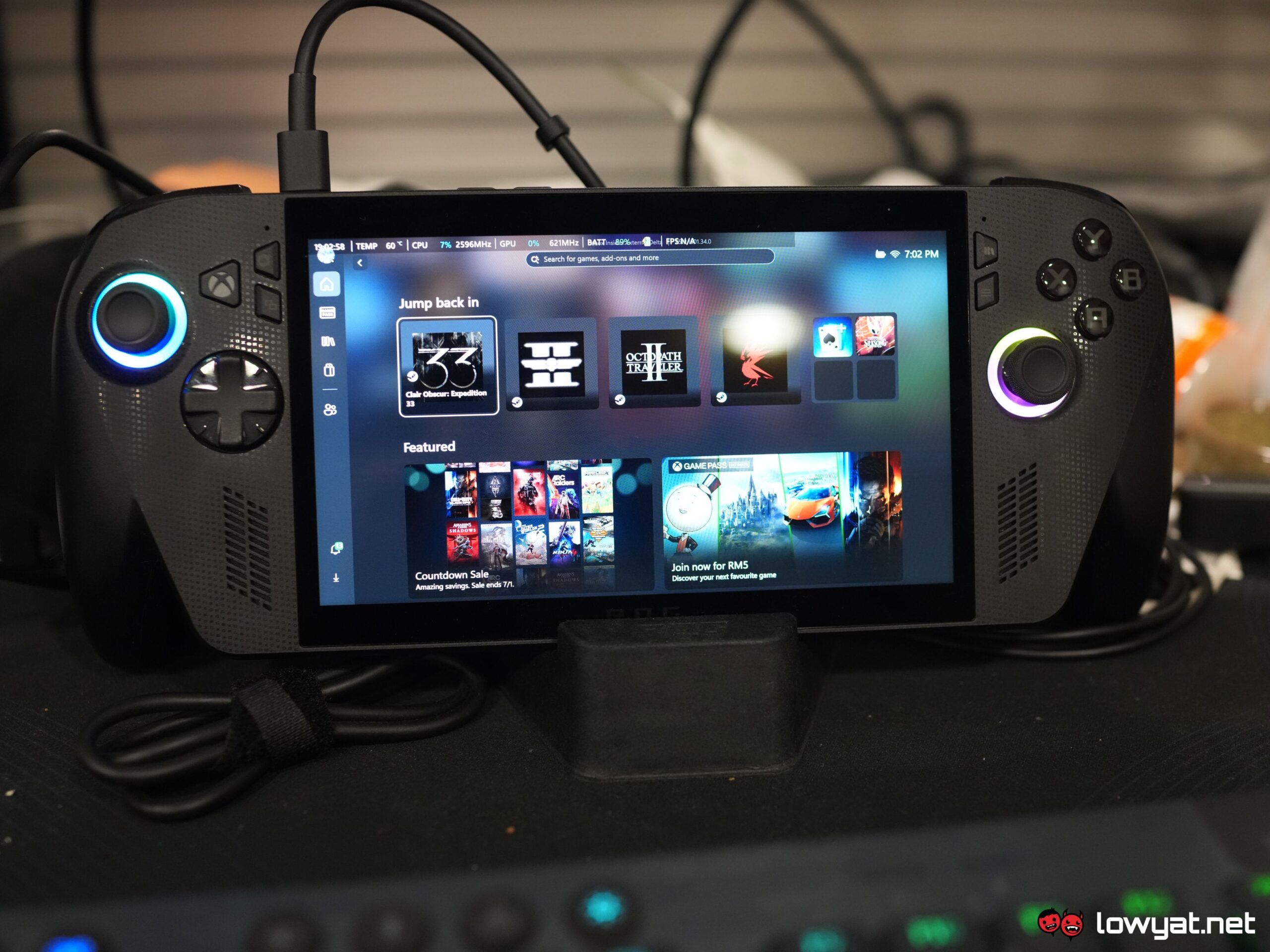
I’ve been playing around with the ASUS ROG Xbox Ally X for a couple of months now. Since the hands on, and much like my review period with the non-Xbox Ally X, playing with this console was making me treat my Steam Deck as the unwanted stepchild in the family.
That aside, there are some hits and misses with this “Xbox powered” gaming handheld, and here’s what I found with it.
Specifications
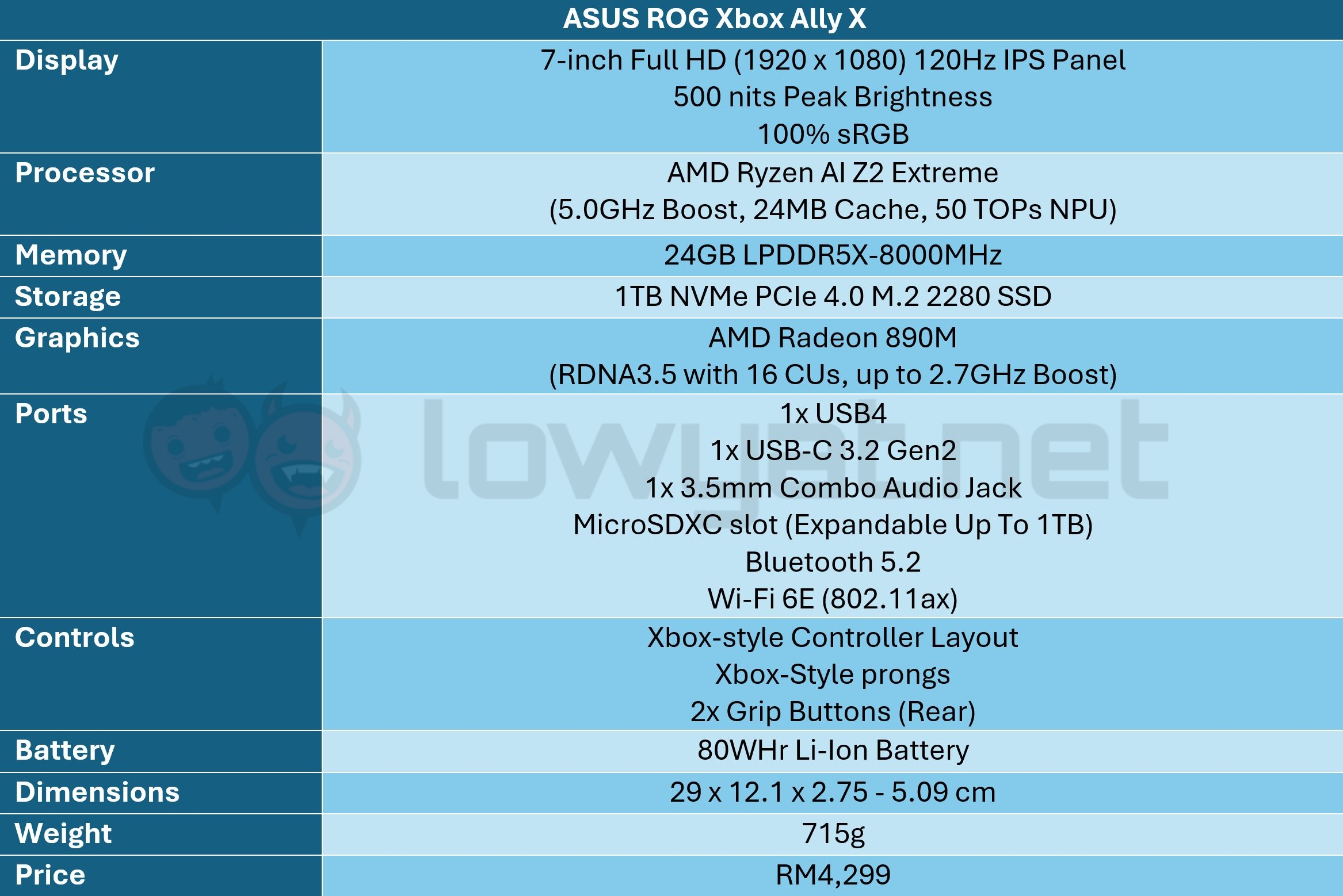
Much of the hardware remains the same as the non-Xbox Ally X, save for the processor and RAM. This handheld is equipped with the AMD Ryzen AI Z2 Extreme, and 24GB DDR5 RAM running at 8,000MT/s, instead of 7,500MT/s.
On top of that, the Radeon 890M is also a more powerful integrated graphics and the main reason as to why I’m able to run the games I chose at better than average framerates, and with much higher graphics settings. More on that later.
The 7-inch IPS display is another carry forward from the non-Xbox version of the console, which to me, feels like a missed opportunity; OLED panels are essentially getting more common, as evidenced by the Steam Deck OLED and Lenovo’s recent Legion Go 2 console.
Looks & Functionality
I’ve mentioned this in my hands on before; The Xbox Ally X is ASUS’ current attempt in addressing the issues that plagued the previous iterations of the console. One change that was made, and perhaps as a prerequisite for Microsoft to fully invest in the handheld, are the prongs on the sides.
The prongs on the Xbox Ally X are, for me at least, a plus on my list. Does it make the handheld a little bigger? Yes, it does. Is it a bad thing? Absolutely not, as it also increases the comfort of holding it, be it at the desk or in bed.
Ultimately, it makes for a very comfortable gaming experience, especially over prolonged periods of gaming, when it’s plugged in. So yeah, one point to ergonomics.
Buttons are tactile and feel solid to the touch, but it’s not something to shout about or call home for. On another related note, ASUS took a page out of Sony’s aesthetic playbook, embedding (or emblazoning) the “ROG” moniker into the console itself.
It’s the Ally X, just with love handles.
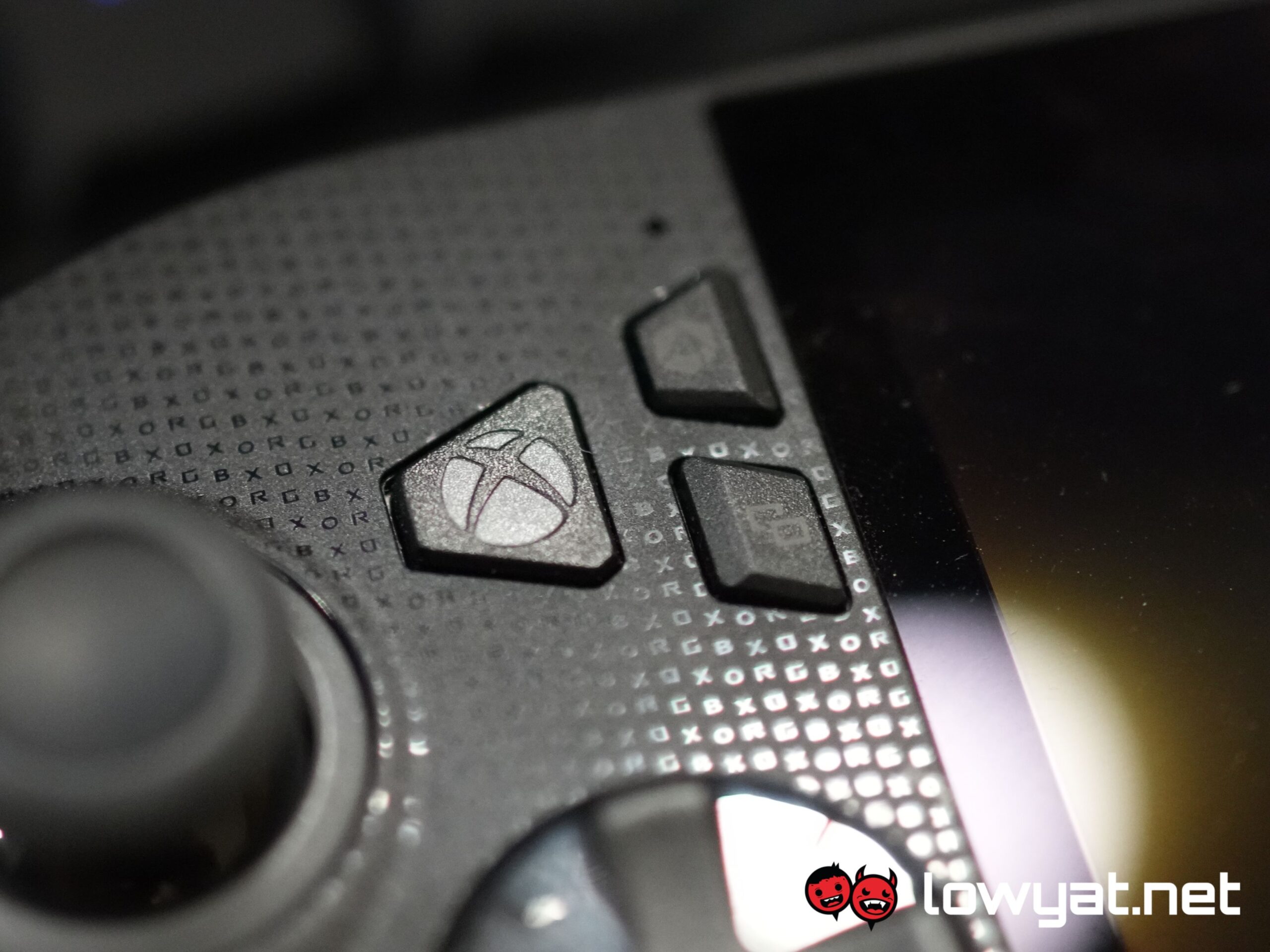
As I mentioned in my hands on, the button layout has also been changed, as well as updated. First, the positions between the Command Centre and View buttons have been inverted, as have the Library and Menu buttons. The biggest addition, literally, is the dedicated Xbox button, or Game Bar. For those of you who have and play games on your Xbox Series X or S, this button and its function will undoubtedly feel familiar to you.
There is a caveat to the new layout: the extra effort you need to invest, when stretching the thumbs – particularly the left thumbstick – in order to reach the Command Centre or Game Bar buttons. Because of that, I find myself having to readjust and reseat the left side of the console in my hand, as reaching over offsets everything, thumb included.
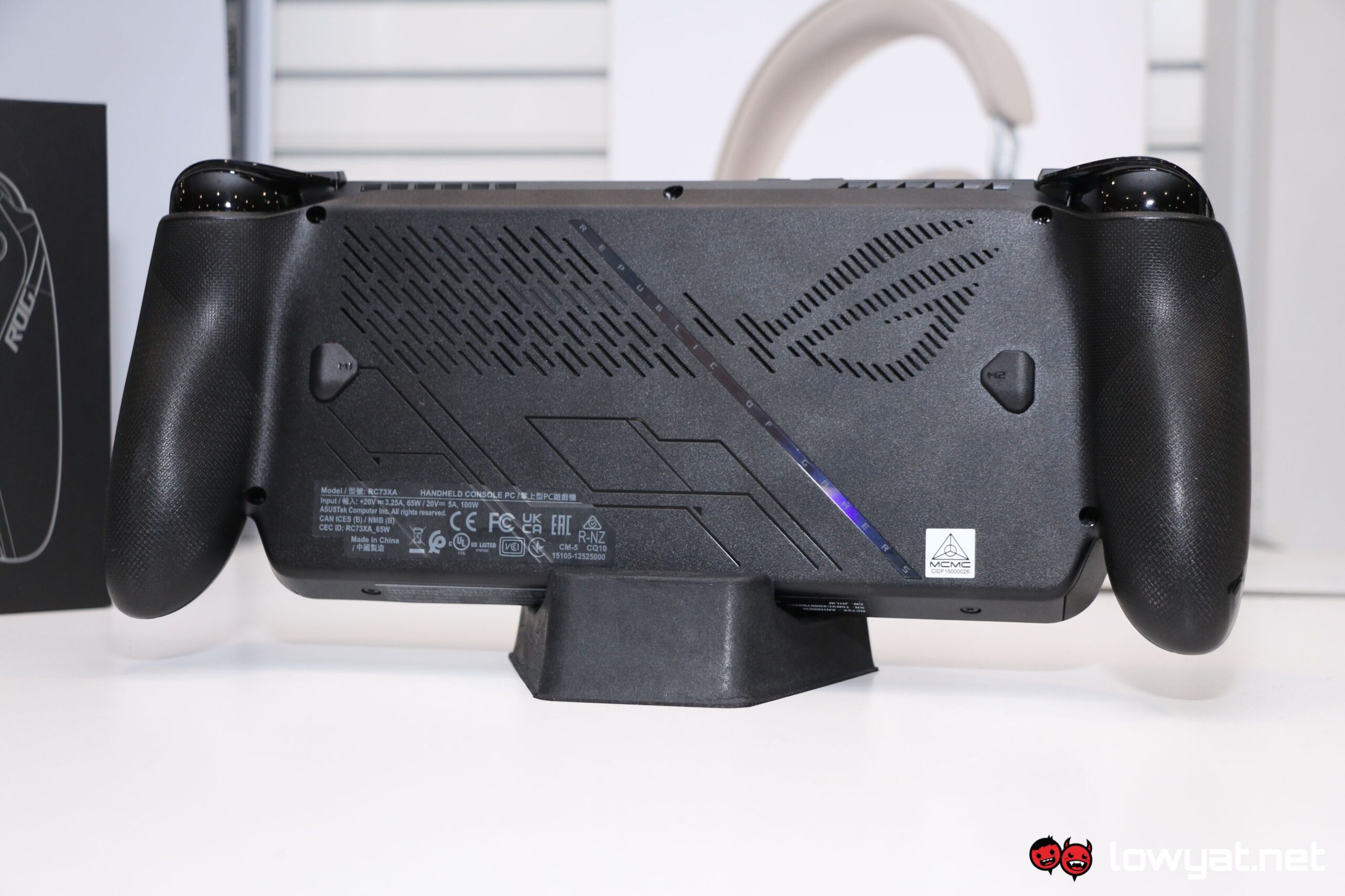
The back buttons are the same as the non-Xbox Ally X: smaller than the first Ally’s but still a lot more comfortable and reactive enough when pressed.
Then there’s the angled display. Like the prongs, it’s a bit of a controversial change but to be fair, it actually takes a load off my neck – I don’t crane it at a such a severe angle when I’m sitting at the desk or on the bean bag.
Lastly, I don’t know if I’ve said this enough but I am grateful that ASUS ditched the XG Mobile proprietary port for dual USB-C ports – it’s more sensible to be able to charge the handheld while connecting another USB-C device to it, such as a pair of headset or glasses with built-in displays. That said, because one of the ports is USB4, I could potentially connect the Xbox Ally X to the new XG Mobile in the future.
Performance & Battery
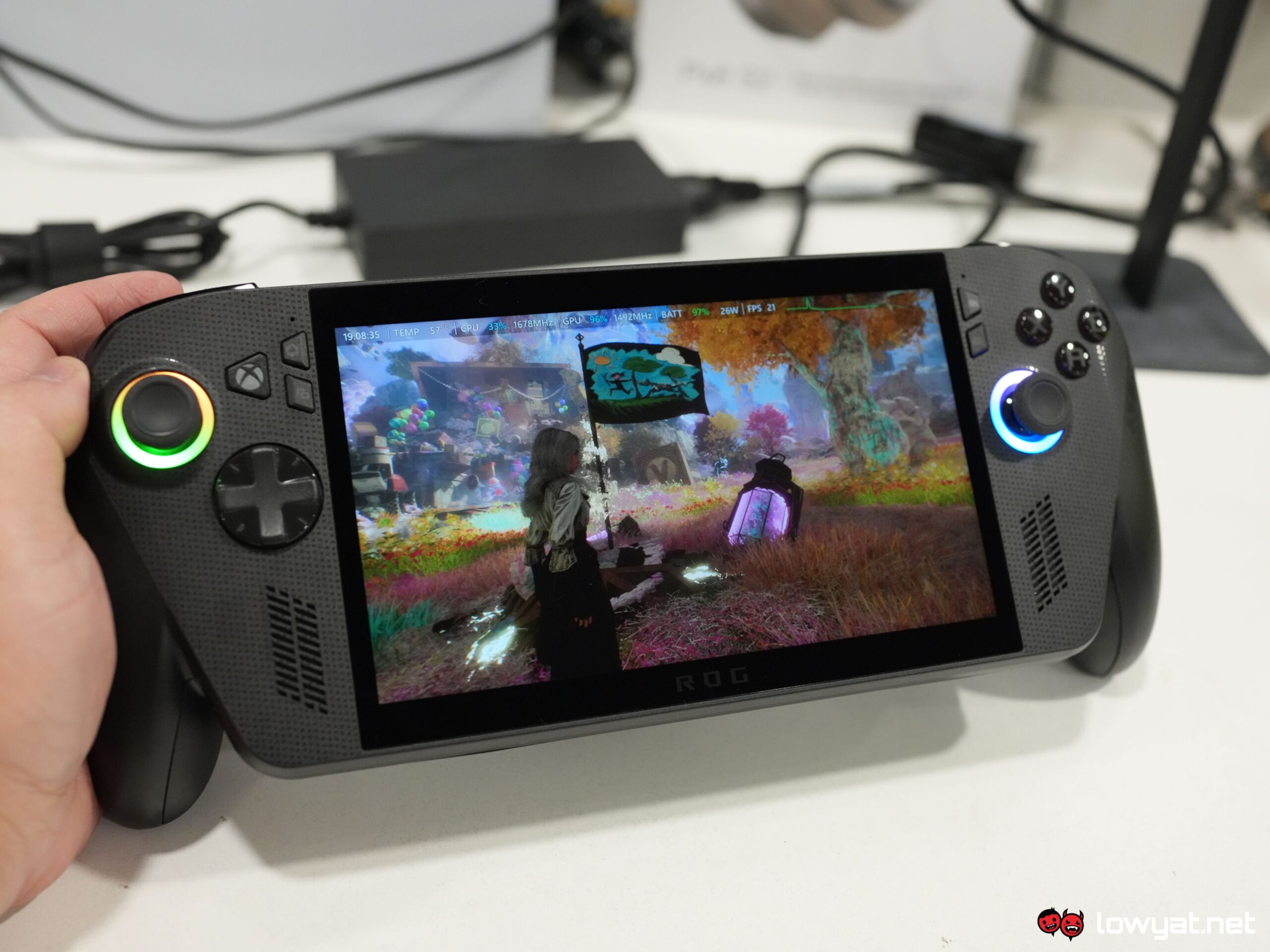
One of the more prominent changes to be implemented on the Xbox Ally X is the self-styled Xbox UI. As I mentioned earlier, those familiar with the console’s UI will find this to be just as intuitive, and if you are subscribed to Xbox PC Game Pass, you can just download the games that are on tap.
As for me, I’m just a little old fashioned, playing the games in my Steam library, but to be fair, it’s the platform in which I’ve accumulated the majority of titles on. Also, I’m not subscribed to Xbox PC Game Pass.
Xbox UI makes navigation seamless and easy.
And that segues us nicely into an important topic: the Xbox UI. Here’s the bottom line: it’s doesn’t always deliver the smoothest or fastest transitions between apps, but as long as you’re switching between it and other apps, such as Steam, Epic Games Store, or Battlenet, it’s done in a near instant, and you bypass all the finger-flicking and having to use the right analog stick to control the mouse cursor.
Then there are the misses. At random moments, either the Game Bar or Command Centre would just refuse to work, and at other times, the Game Bar would suddenly switch Steam over into Big Picture Mode. The good news, for that matter, is that the most recent system updates have seemingly eliminated the issue.
Controls are the same as before: the analog sticks are tighter than the first Ally’s, but the dead zones do feel greater. More often than not, I’m pushing them farther than normal before it begins to swivel the view and move the characters in-game.
As for gaming, the console’s natural habitat, I’ll say this: The Ryzen AI Z2 Extreme APU actually slaps harder than the Z1 Extreme. By that, I mean that I can run most of my list of games a step higher in the graphics preset (read: medium, not low), and if upscaling technology like AMD’s FSR3 or Intel’s XeSS is available, those are set at Balanced mode.
For titles such as The Game Awards winner, Clair Obscur: Expedition 33, the title is surprisingly demanding despite not natively supporting ray tracing, but the fact that it uses the UE5 and the engine’s Lumen to make the game look absolutely stunning, dropping the upscaling strength down to Performance makes a world of difference, but as usual, you need to be prepared see some artifacts in-game.
And while gaming on FHD resolution is breathtaking, I personally drop the resolution down to 900p (1600 x 900), for the same reason I game at 1440p (2560 x 1440) on my 4K monitor: it’s the sweet spot between 4K and FHD, without minimal compromise to graphics fidelity, while also reducing the strain on my desktop PC’s GPU.
Case in point, my original Ally struggled to run Monster Hunter Wilds consistently at 30 fps while in Full HD on Turbo mode. On 900p with the Xbox Ally X, it’s a 55 fps average across the board, which is impressive in and of itself. On a related note and as a PSA, playing Cyberpunk 2077 with AMD’s FSR3.1 Frame Generation on, and at 900p, isn’t viable; CDPR still hasn’t fixed an issue where fullscreen mode isn’t available if Frame Gen is on. Of course, once it’s off, it becomes available again.
Battery life is, for once, subjective and dependent on the title.
As for battery longevity, playing at Full HD or 900p surprisingly yields similar endurance numbers. Monster Hunter Wilds is still one of the more power hungry titles on my list, even losing out to the more recent Expedition 33. Octopath Traveller 2 is where the Xbox Ally X lasts longest, in spite of the game being surprisingly resource-hungry.
Conclusion
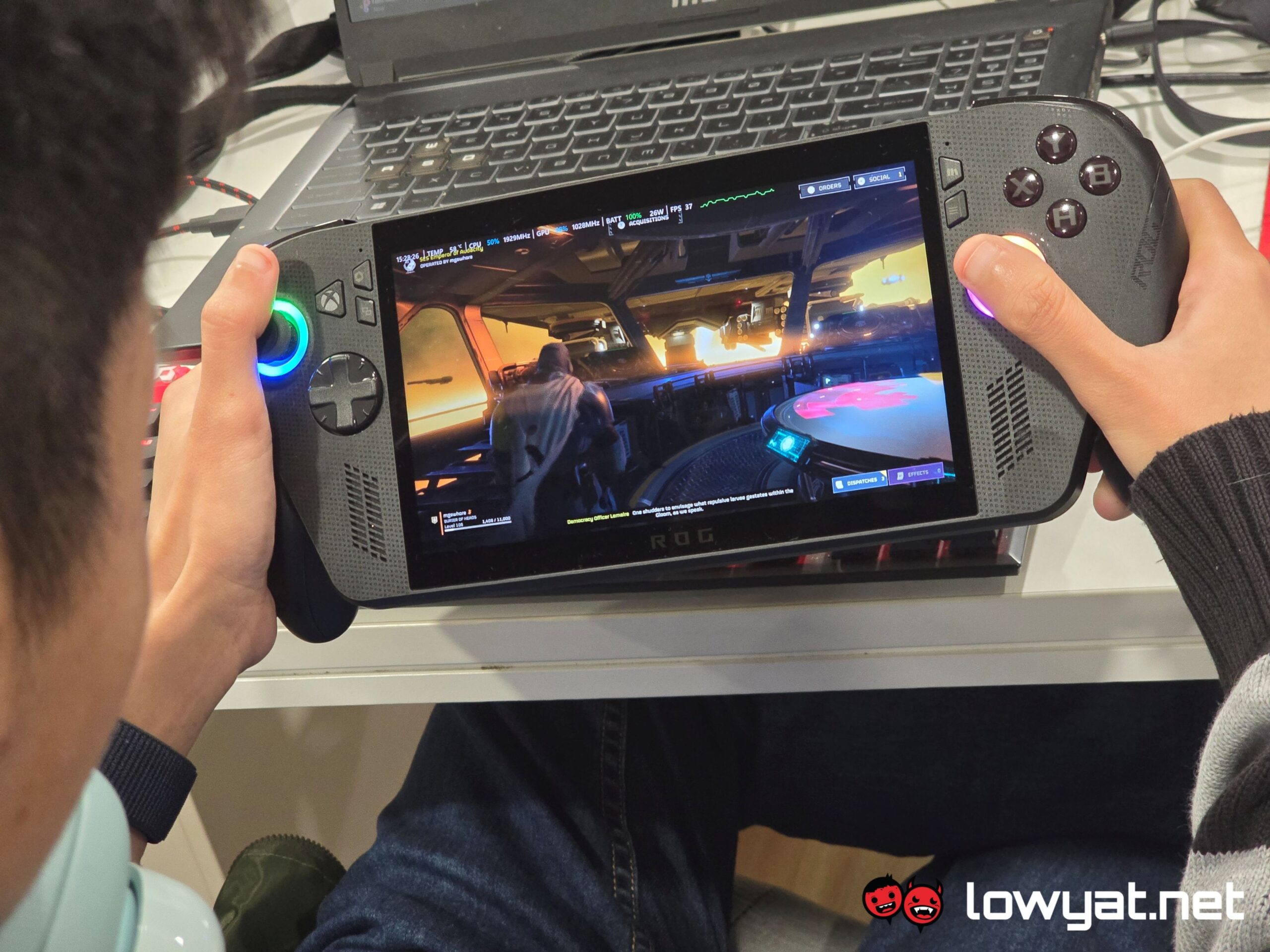
One of the greatest appeal of the ASUS ROG Xbox Ally X is, perhaps, the Xbox Fullscreen experience. It makes navigation on the handheld far less complicated, providing something akin to SteamOS, although I truly and honestly wish that ASUS would actually make a SteamOS version of its console at this point. Having said that, Armoury Crate SE is, by comparison to other handheld brands, still the better software experience.
Its Windows 11 pedigree notwithstanding, it’s more powerful than the Steam Deck by leaps and bounds. For RM4,299, you also get 24GB of RAM, and 1TB of storage by default, and while that isn’t really a bang-for-your-buck scenario, you are at least getting your money’s worth. If you’re looking for something more powerful than that, then a console with the Ryzen AI Max+ 395 is the logical next step.
Honestly, the fact that this isn’t an Xbox console doesn’t really bother me; Microsoft is clearly just piggybacking on the success of ASUS’ console, but it is important to note that this console doesn’t provide a full Xbox-like experience.
