
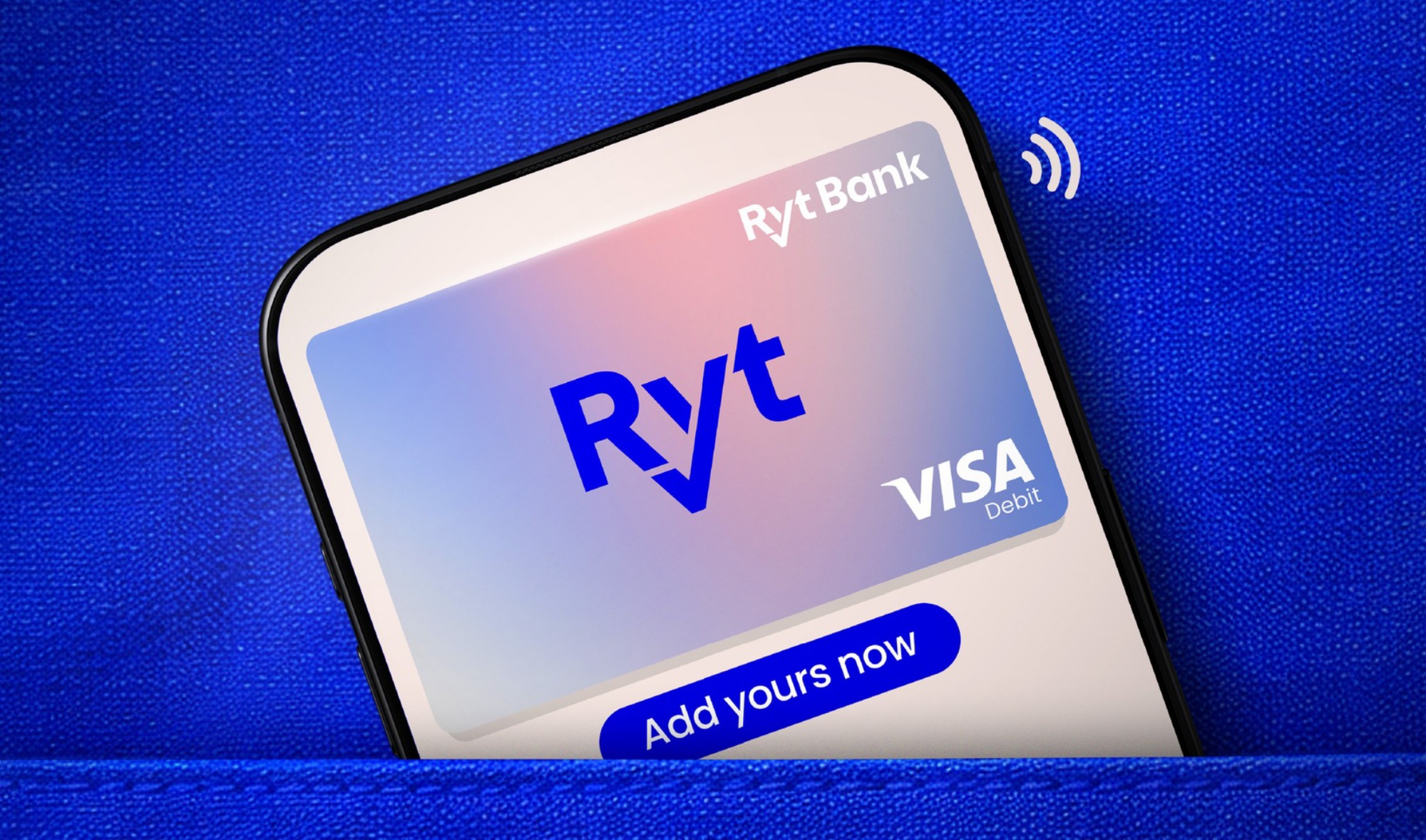
Ryt Bank has announced that its Visa Debit Card is now supported by Google Wallet, making it the second local digital bank after Boost Bank to offer this feature. With this addition, Ryt Bank customers can add their card to the app and use their smartphone to make contactless payments.
With Google Wallet, users can tap an NFC-enabled Android phone on supported payment terminals for in-store purchases. For platforms that support it, the app can also be used for online payments.
How to Add Your Card To Google Wallet
- Launch the Google Wallet app on your Android phone.
- Tap ‘Add’: Tap the ‘Add to Wallet’ button at the bottom, then select ‘Payment card’.
- Enter Card Details: Choose ‘New credit or debit card’, then use your phone’s camera to scan the card or enter the details manually.
- Save & Verify: Tap ‘Save and continue’, read the terms, and tap ‘Accept’.
- A verification process will follow after.
- Once verified, you can choose to set the newly added card as the default payment method on Google Wallet.
To recap, Ryt Bank is a joint venture between YTL Group and Sea Limited, and officially launched in August last year. The digital bank positions itself as an AI-powered platform, with its always-on Ryt AI assistant serving as a core feature. The assistant can interact conversationally with users and handle tasks such as transactions and fund transfers.
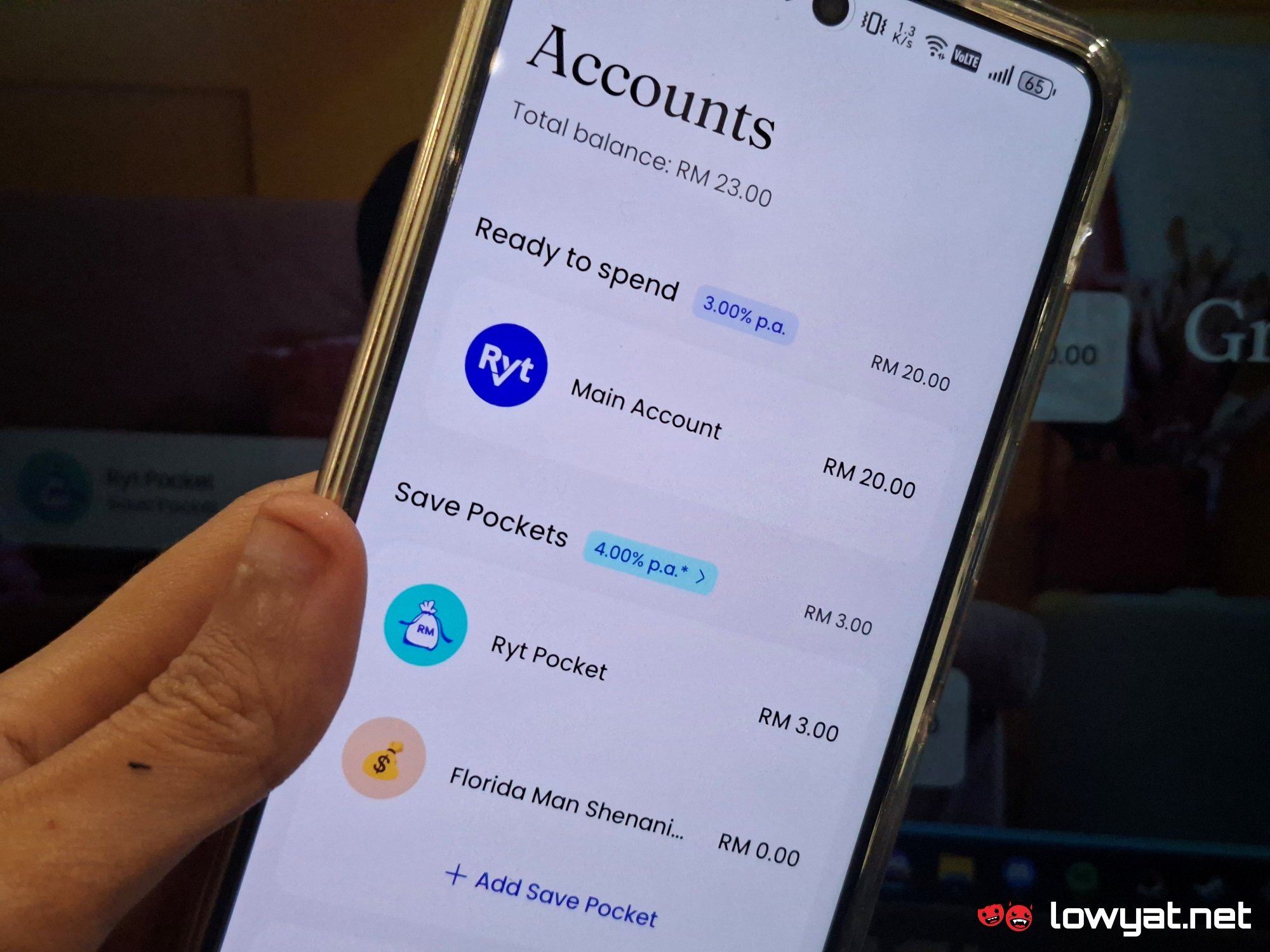
Other notable offerings include an interest rate of up to 4% per annum, 1.2% cashback (capped at RM12 per month) at MyDebit merchants, and 1.2% cashback on all foreign physical card transactions with no FX fees. Users can also earn RM5 when making transactions via the Ryt AI assistant. Additionally, the bank provides its in-house Ryt PayLater service, which comes with a credit limit of up to RM1,499 and 0% interest for the first month.
(Source: Ryt Bank, via Facebook])
