
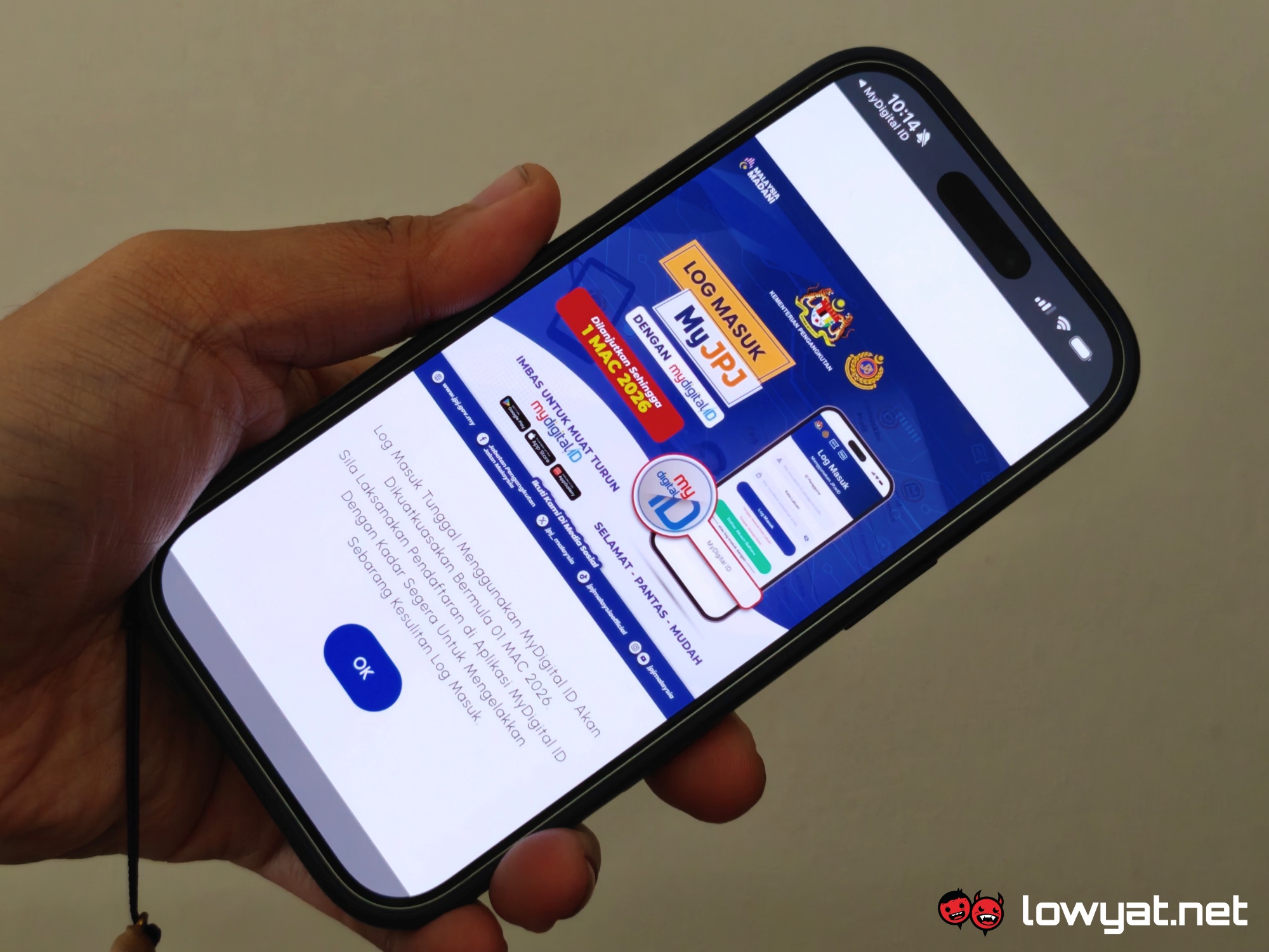
The Road Transport Department (JPJ) has issued a notice to users, reminding them of the upcoming enforcement of MyDigital ID as the sole login method for its MyJPJ mobile app. The change will take effect on 1 March 2026, after which it will remove the traditional username and password login option entirely.
The department initially planned to enforce the switch in February this year, but postponed the move, likely to give unregistered users more time to sign up. Back in November, JPJ revealed that around 13 million users had downloaded or registered for the MyJPJ app, with only 1.3 million of them actively using MyDigital ID for login at the time.
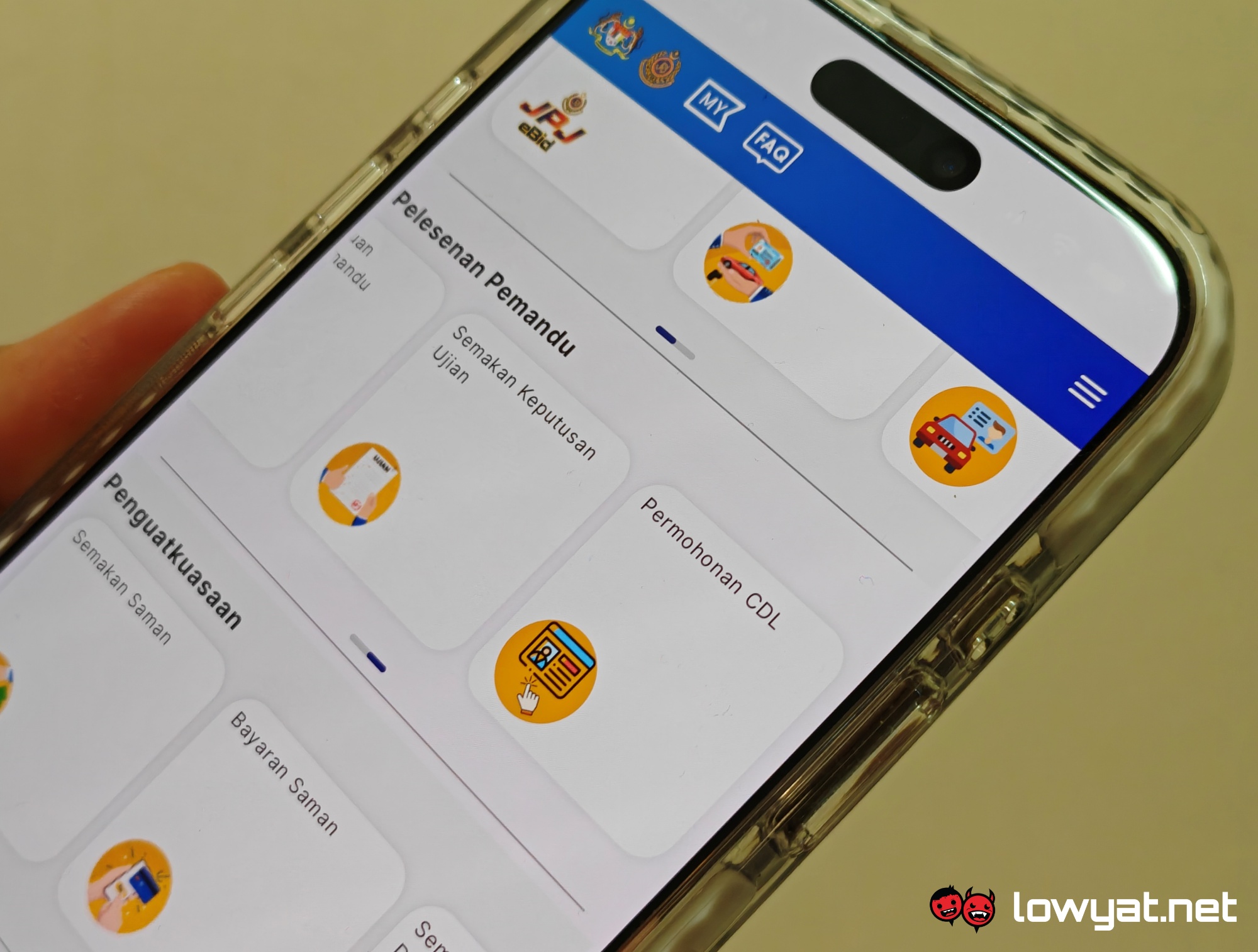
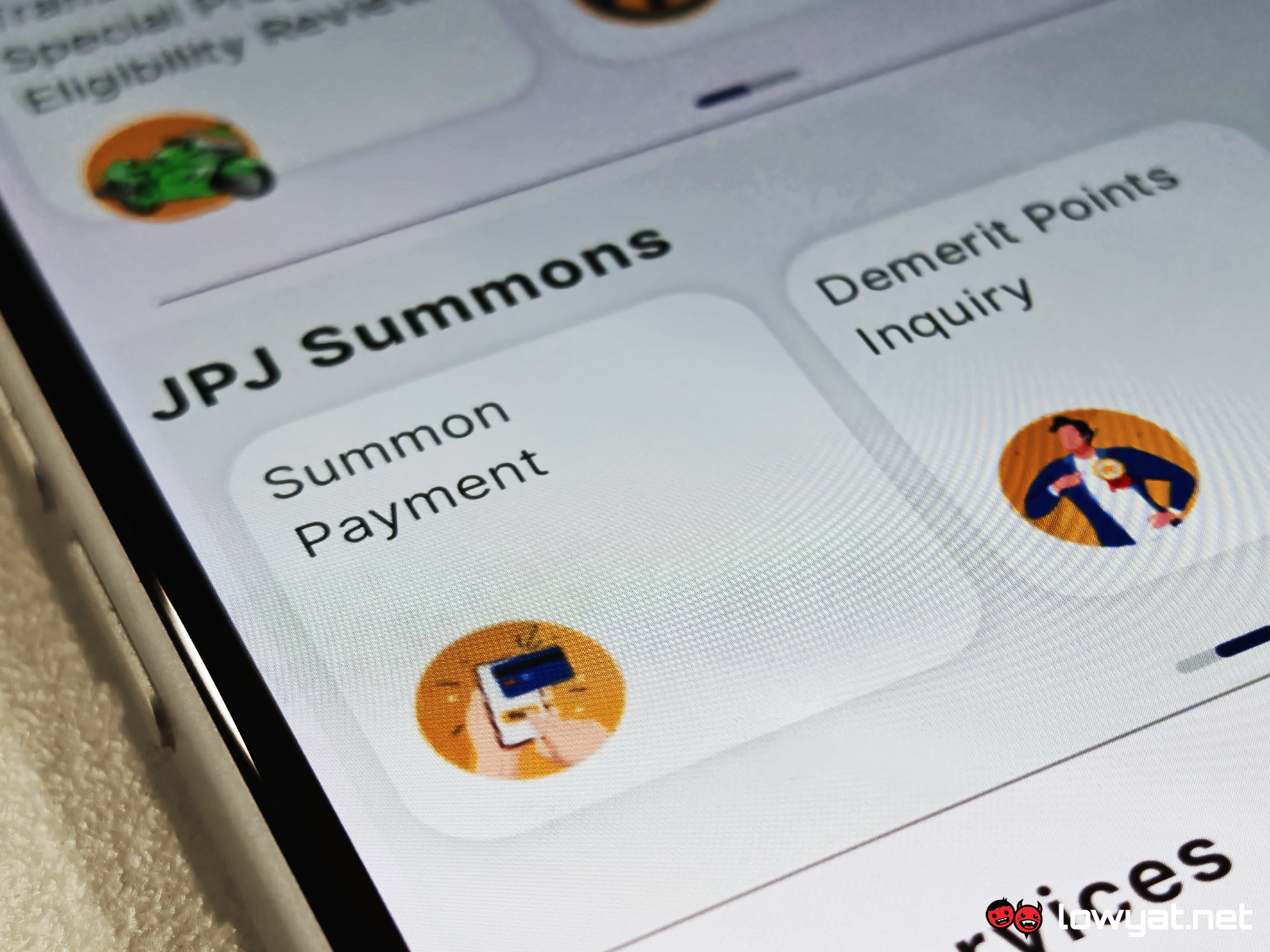
Introduced in 2023, the MyJPJ app serves as a digital platform that stores essential documents such as driving licences and road tax. Users can also renew these documents, check and pay summonses, as well as bid for licence plate numbers through the app.
Users can still request printed driving licences at JPJ offices for a fee, with some exceptions. However, while physical road tax slips remain valid, the department has ceased printing services for them as of this month.
With enforcement approaching, authorities advise road users to remain logged in to MyJPJ in case of inspections. Users who have yet to register for MyDigital ID should do so to avoid potential inconvenience once the March deadline takes effect, unless the rollout sees another delay.
For context, JPJ first proposed making MyDigital ID the sole login method as early as October 2024, but deferred the plan due to low public adoption. The requirement resurfaced in November with a February 2026 target, before being pushed again to March.

For those who have yet to register for MyDigital ID, here’s a quick guide:
- Download: Install the MyDigital ID app (Apple App Store | Google Play | Huawei App Gallery).
- Start Registration: Open the app, click “Register Online”.
- Verify Email: Enter your email, receive an OTP, and enter it within five minutes.
- Identify Yourself: Input your name and ID number (MyKad/MyTentera).
- eKYC Verification: Take photos of the front and back of your MyKad, followed by a selfie scan.
- Secure Account: Create a password (minimum 8 characters).
- Finalise: Confirm the storage of the digital ID on your device.
Things to note:
- The MyDigital ID certificate remains valid for one year from registration, after which users must renew it via the app.
- If you forget your password, you must revoke and re-register, as there is no password recovery.
- You can login to MyDigital ID using biometric authentication (Face ID and fingerprint), provided that you activate the feature on both the app and your device.
- MyDigital ID can only be used on one smartphone at a time.
- If users lose or damage their smartphone, they must revoke their digital certificate using another device or a kiosk before they re-register online or at a kiosk with their new device through the MyDigital ID app. The app requires the user’s password to grant access.
(Additional source: MyDigital ID [official website])
