
Google has been pretty busy this week. Aside from bringing Personal Intelligence to our shores, the company has announced a dedicated Gemini app for macOS. This app, which was coded in Swift, offers a native desktop experience that’s easily accessible without needing to switch tabs.
Users can launch the app using a keyboard shortcut. Pressing Option + Space brings up the mini chat, while Option + Shift + Space leads to the full chat experience. According to Google, users can change these shortcuts if they so choose. Of course, the app is also accessible through the Dock and menu bar.
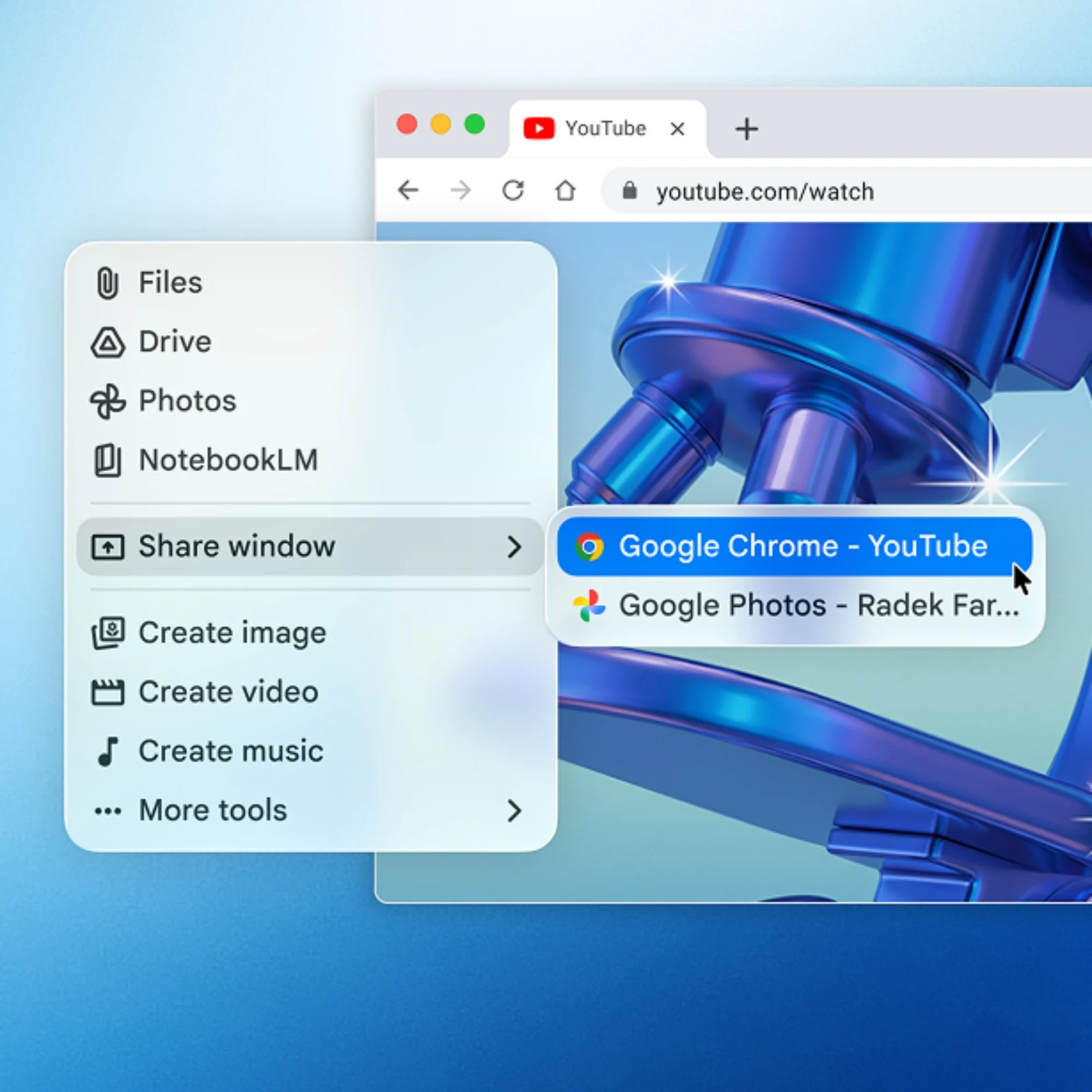
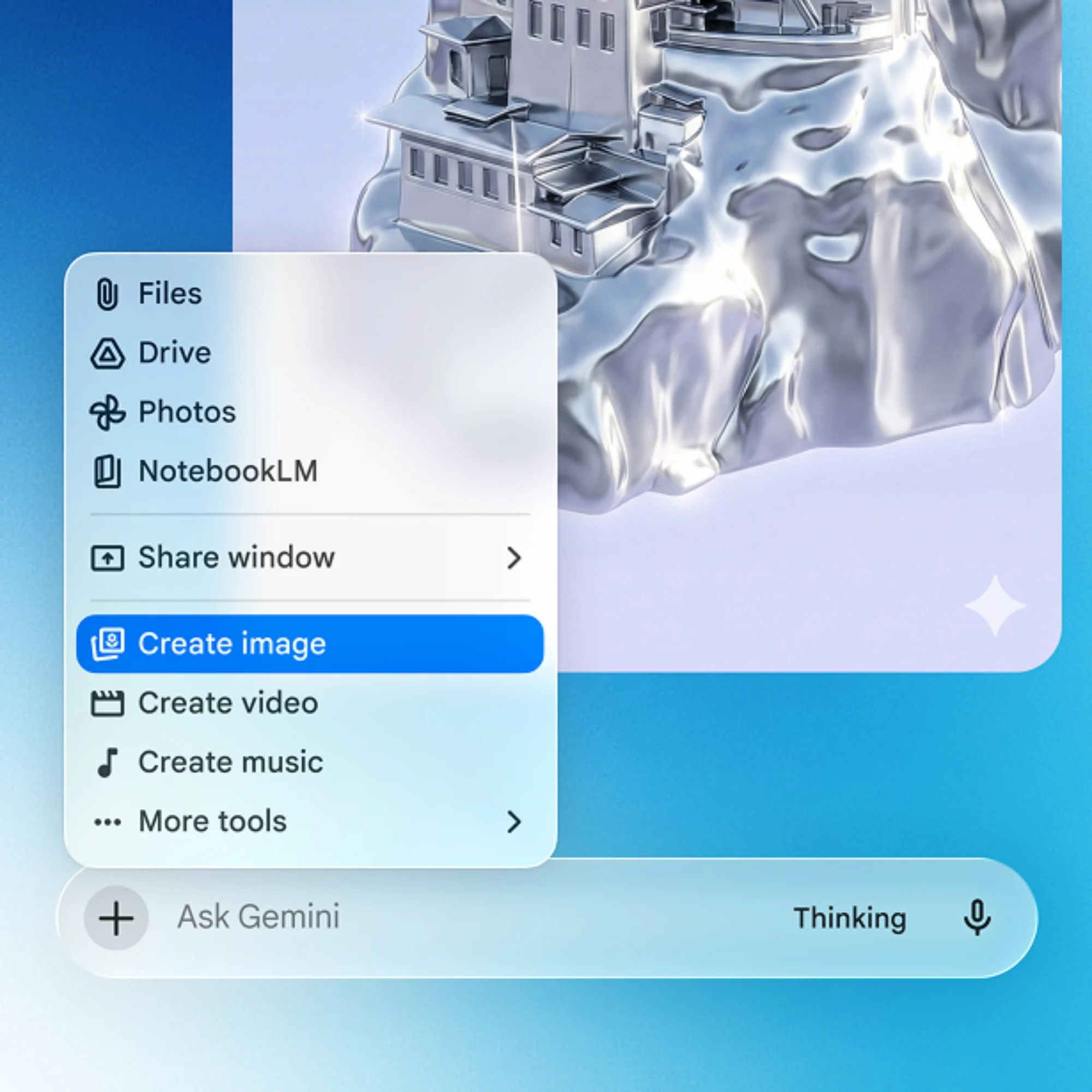
Through the app, users can share any window on the Mac with Gemini. This Share Window function provides the AI assistant with contextual information, allowing it to better assist with tasks. Aside from that, tools like Nano Banana and Veo are on board for generating images and video clips.
The Gemini app is currently available to download for devices running compatible versions of macOS. As per the FAQ section, the app requires macOS Sequoia (15.0) or later and runs exclusively on Apple Silicon.
A search app for Windows
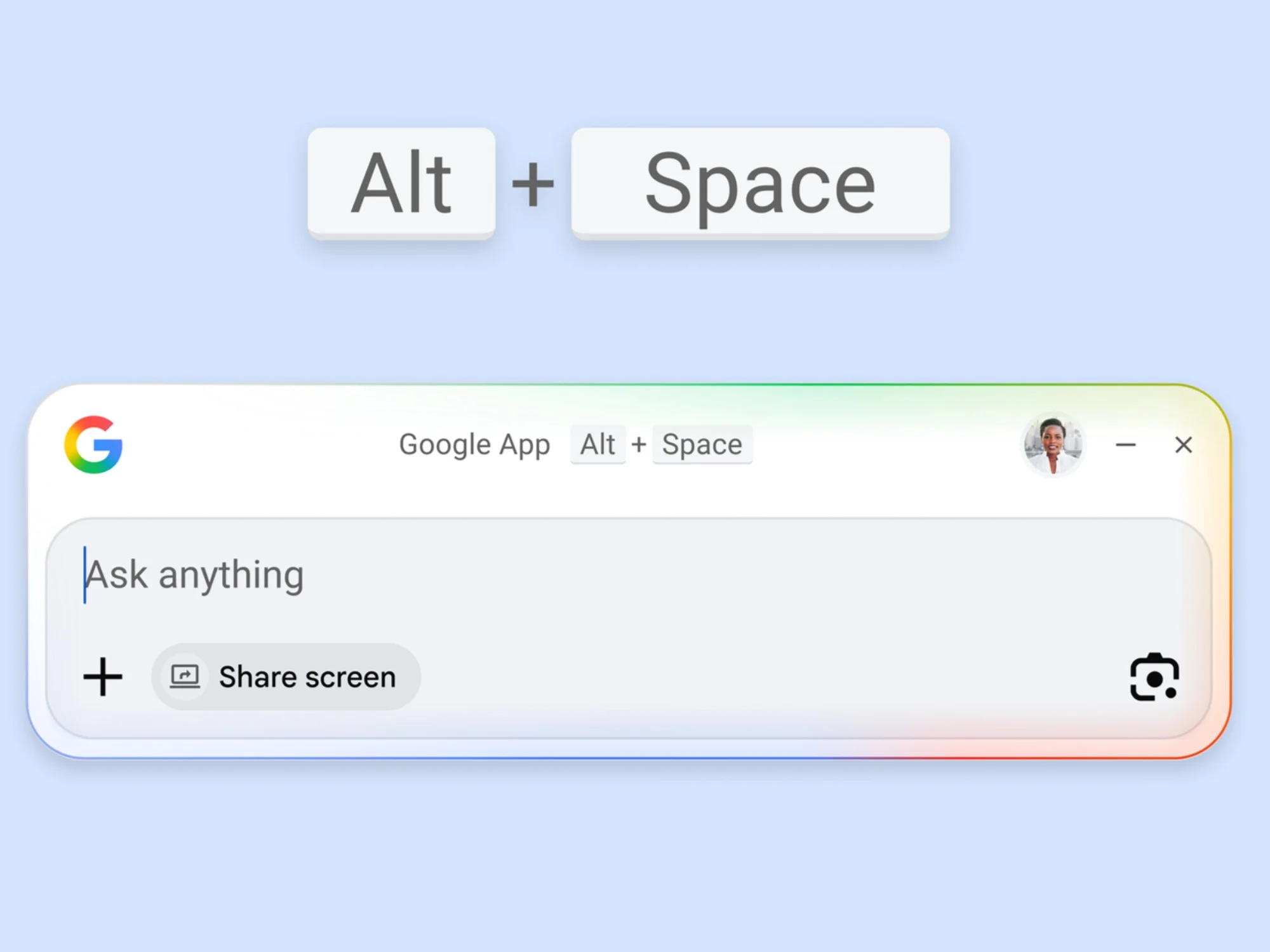
Earlier this week, the company announced a desktop app for Windows devices. It’s not a dedicated Gemini app per se, since the company is just calling it the “Google app for desktop”. However, AI-driven features like AI Mode are on hand.
Much like its macOS counterpart, users can access the app through a keyboard shortcut. In this case, it’s Alt + Space. This summons a prompt box, which floats on top of whatever is on the screen. Here, users can search for what they need, be it information on the Internet, or installed apps and files. And yes, this includes Google Drive files.
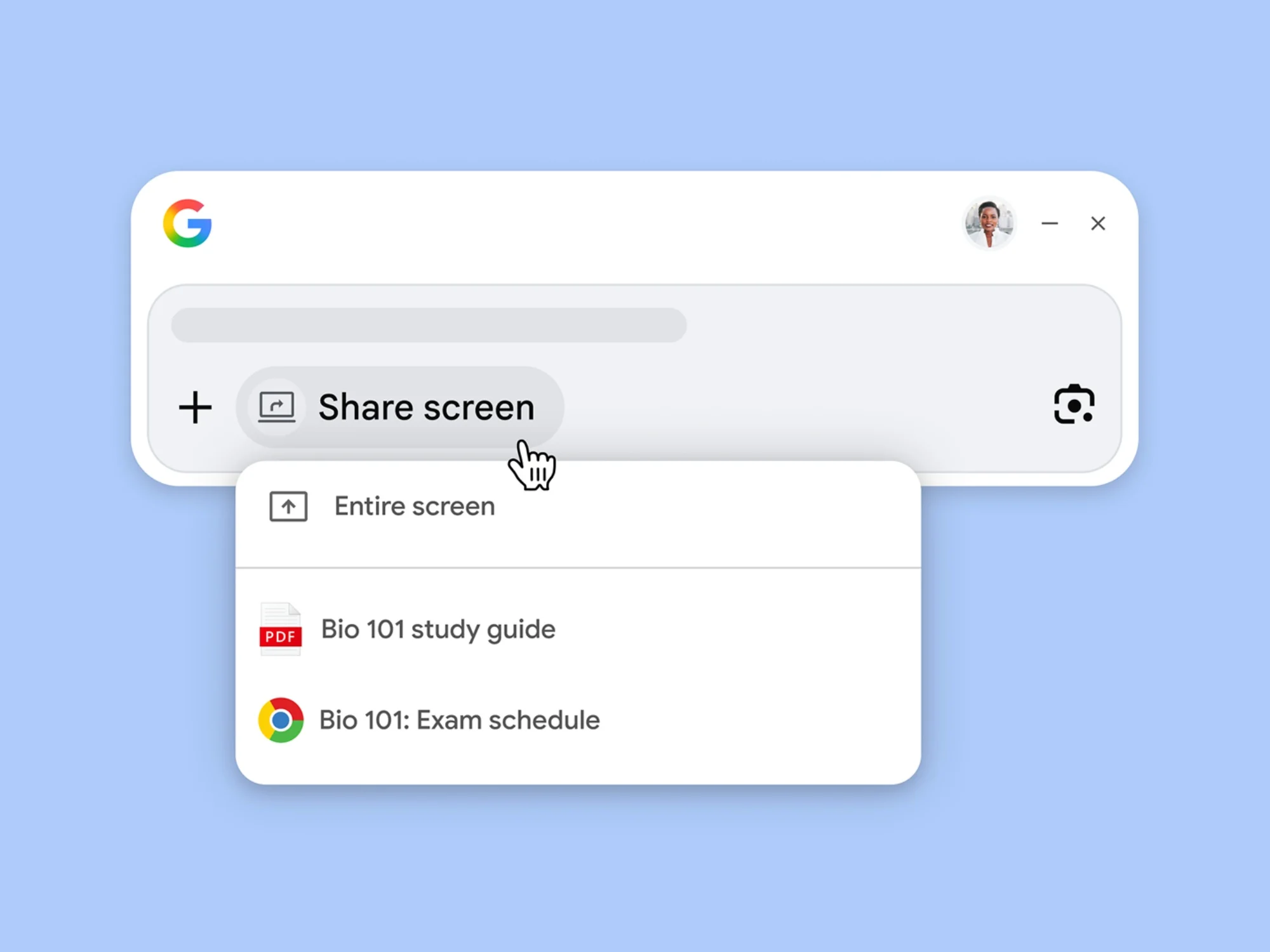
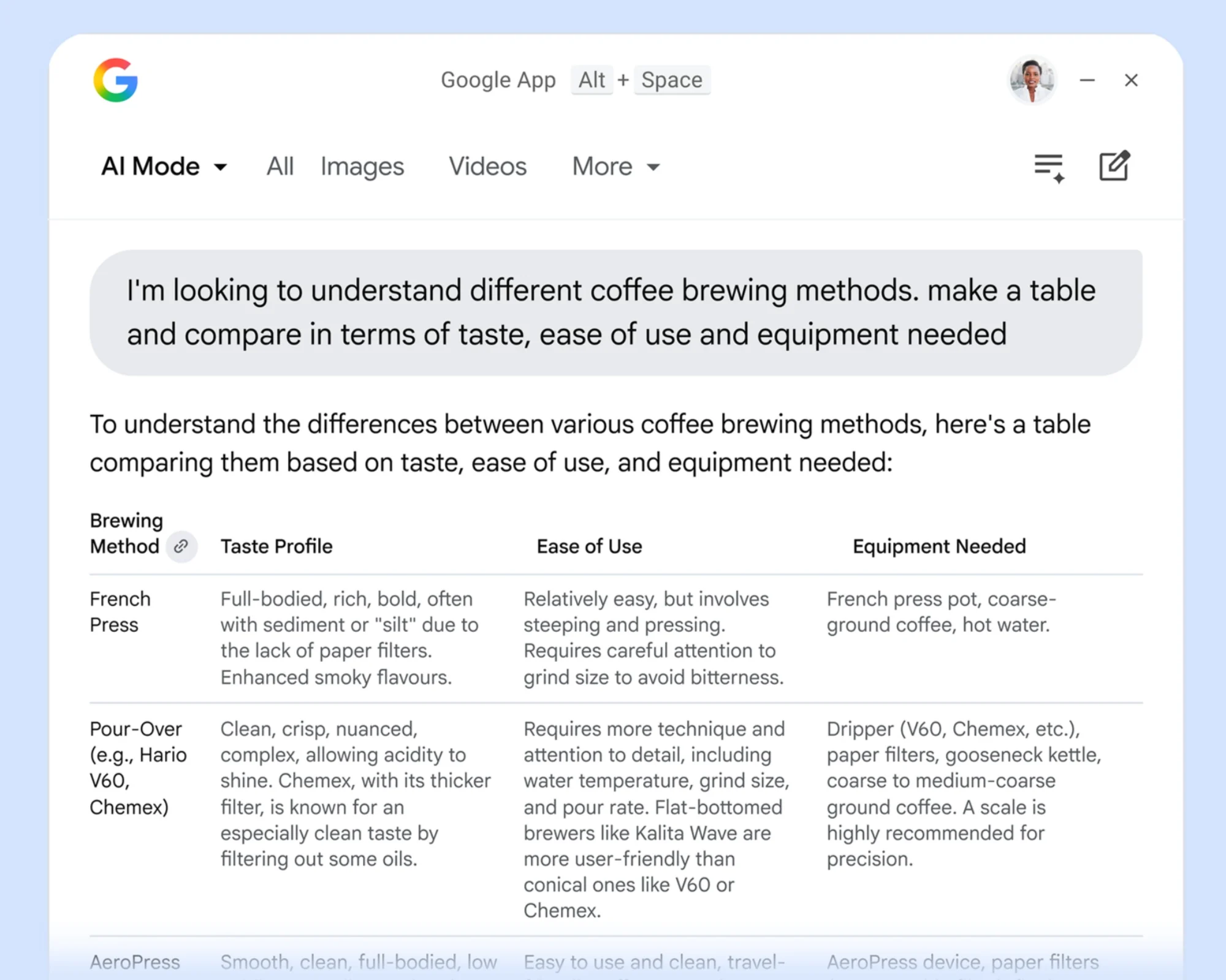
As mentioned earlier, AI Mode is available for follow-up questions. Furthermore, Google Lens and screen-sharing capabilities allow users to ask about any part of their screen. This can be limited to a specific window, or the entire screen.
The app is already available to download for eligible devices. Users will need a device running Windows 10 at least.
(Source: Google [1], [2])
The post Google Puts Gemini On macOS, Windows Devices With New Native Apps appeared first on Lowyat.NET.
