
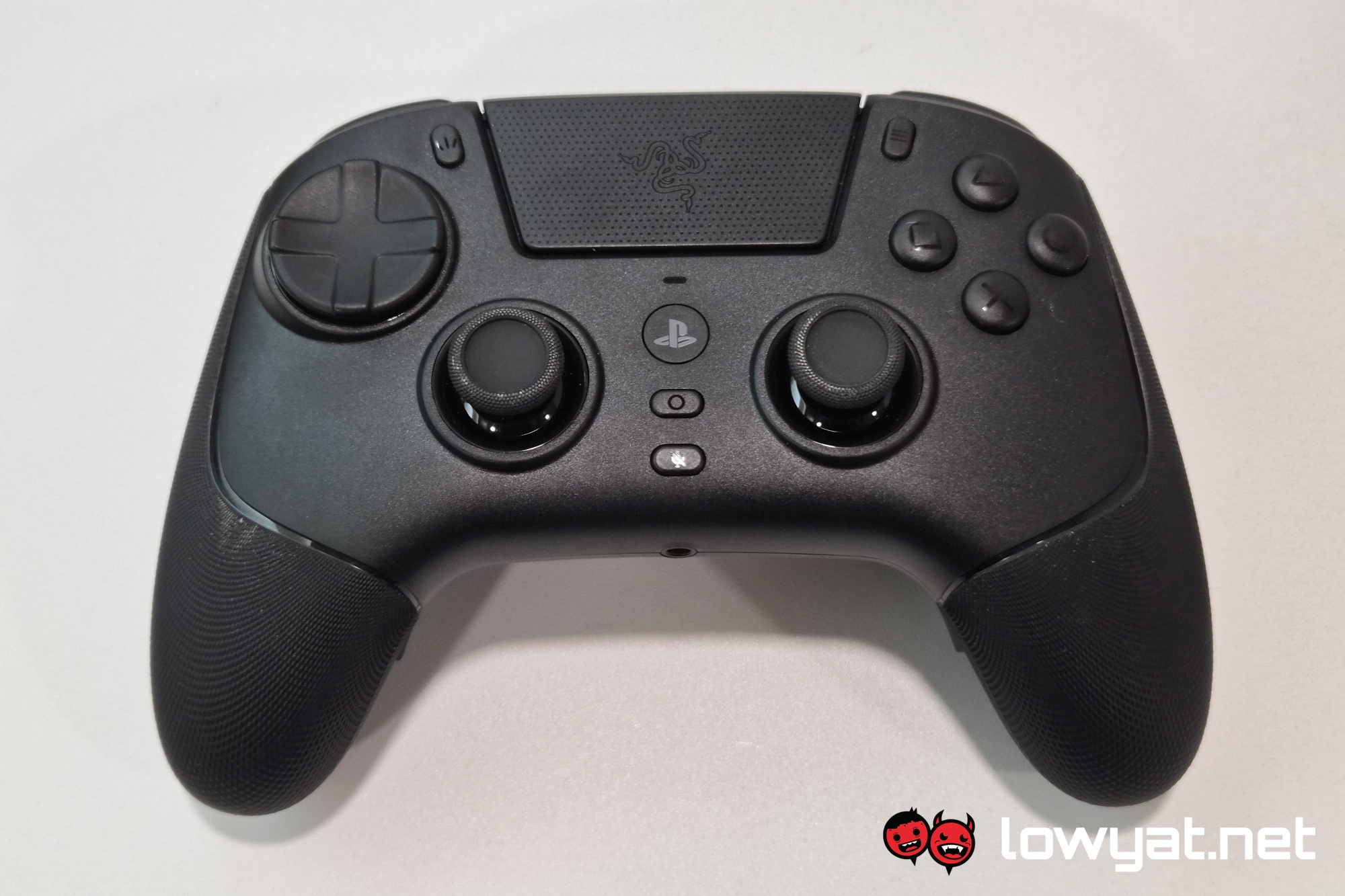
Following the release of the Razer Wolverine V3 Pro last year, there’s a PlayStation-flavoured Raiju V3 Pro to follow up. Sure, it took a year and a bit for it to happen, but such is the price to pay for symmetrical sticks. But even beyond stick orientation, there are plenty of differences between the two that they are hardly just counterparts of each other.
All that being said, unlike with the Wolverine and the Xbox Elite controller, the Razer Raiju V3 Pro is not just a third party DualSense Edge. In fact, they are barely comparable, with more difference between them than between the Wolverine and the Raiju. So with that in mind, let’s break down what the Raiju brings to the table, and what it doesn’t.
What Am I Looking At?
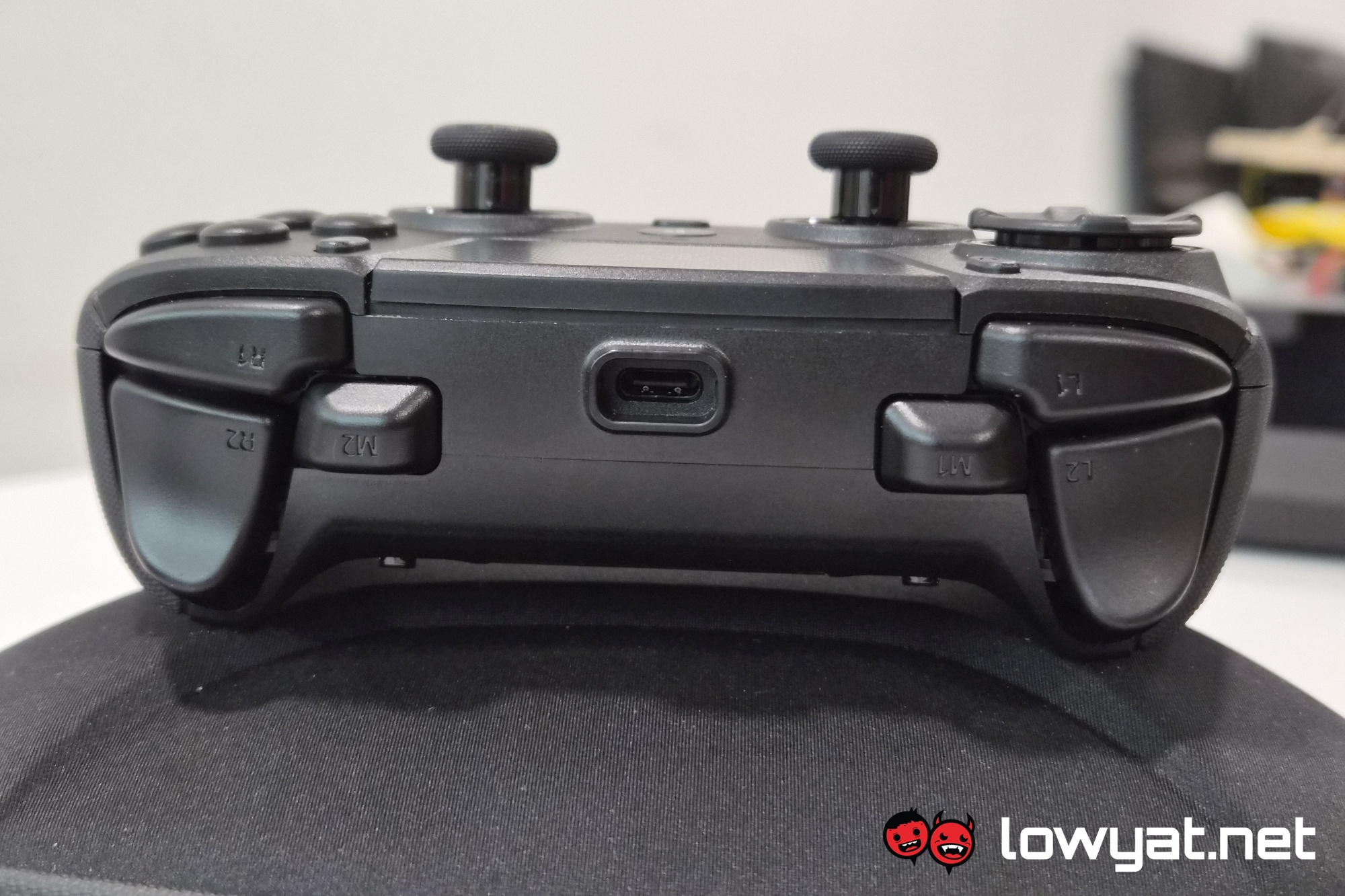
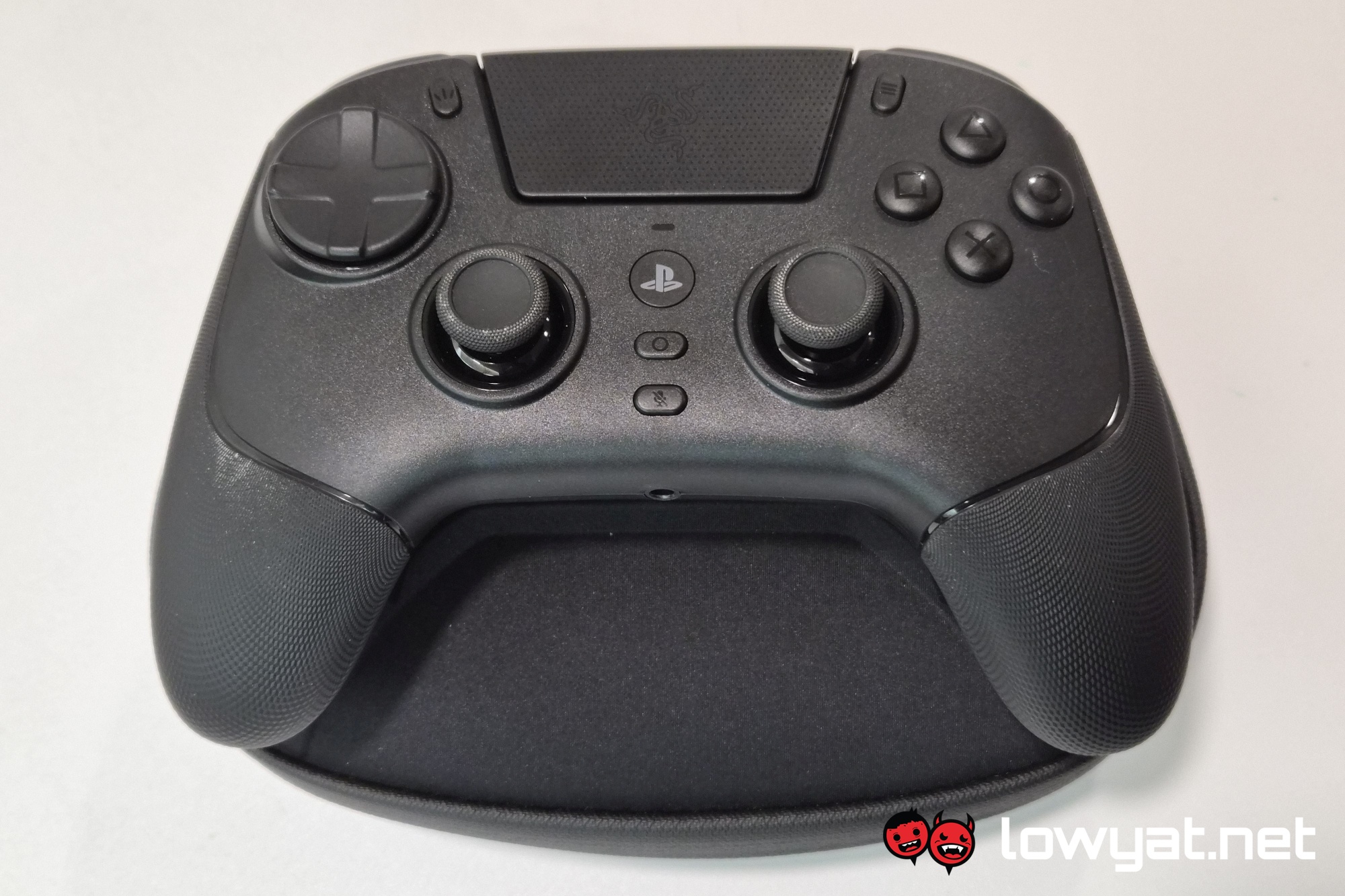
Let’s start with what the Raiju V3 Pro and the Wolverine V3 Pro have in common. To start, they both feature an extra pair of buttons sitting sort of in between the shoulder buttons and the triggers. Speaking of triggers, Razer has brought back the HyperTriggers which lets you switch them between simple on / off switches, or make full use of their analogue input range.
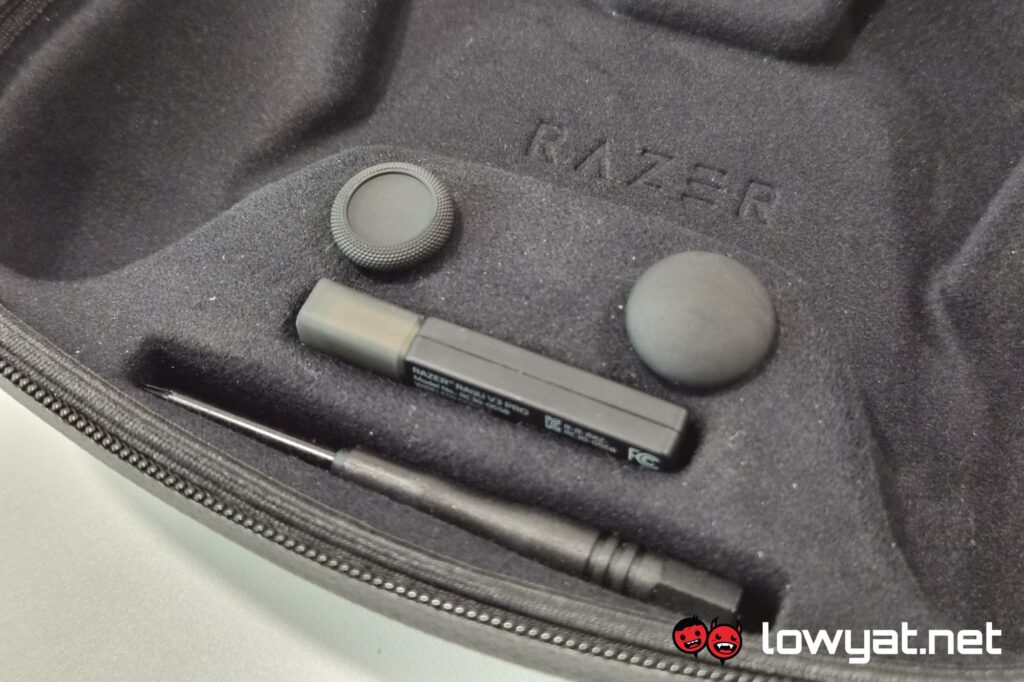
Then there are the rear paddles, which once again feature mechanical switches from the company’s own mice. But these are a little more involved than before, as you have the option of removing them. This does involve the use of a proprietary screwdriver, and replacing the paddles with flatter panels. Thankfully everything you need to complete the process comes with the controller in the box.
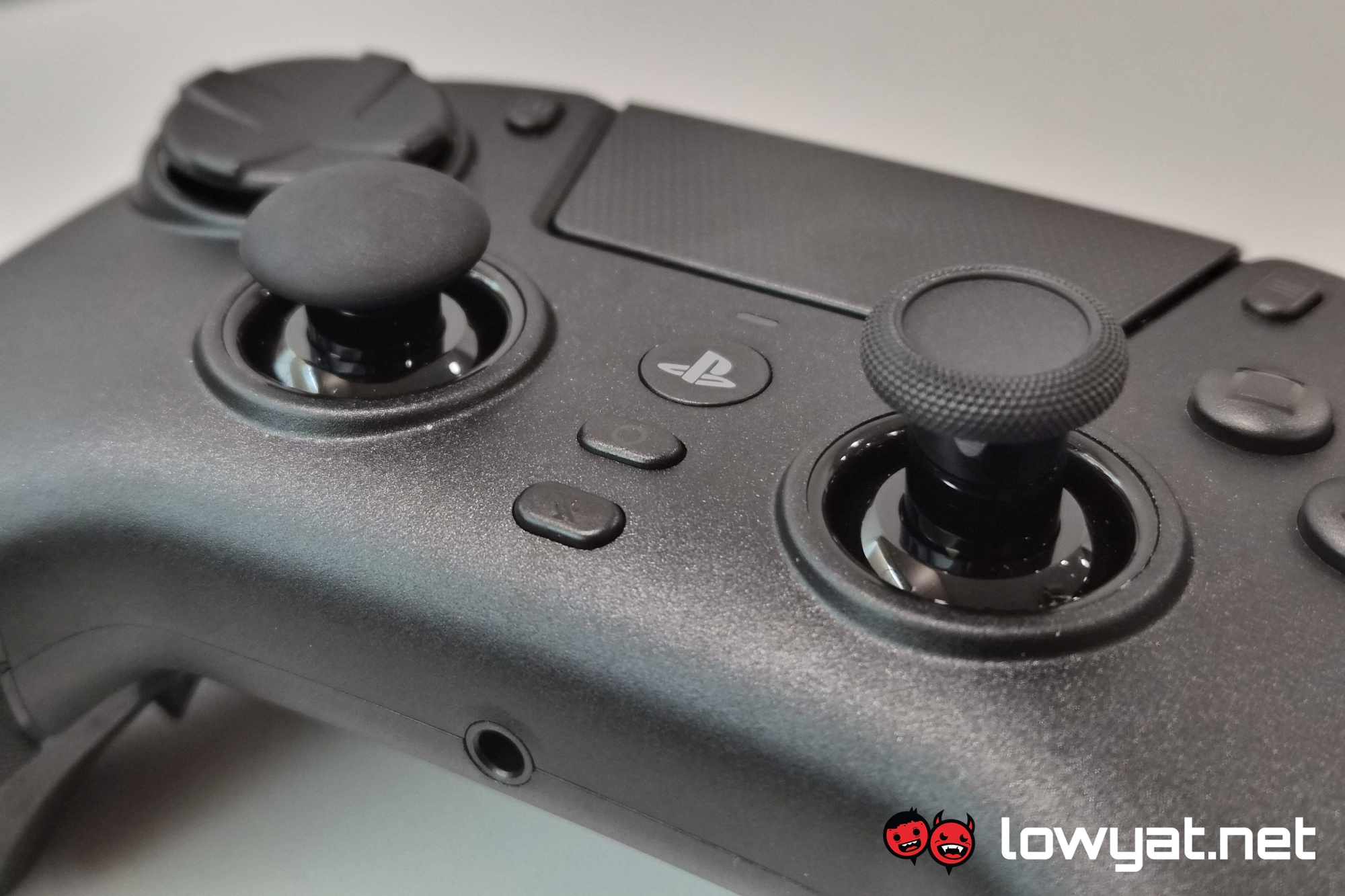
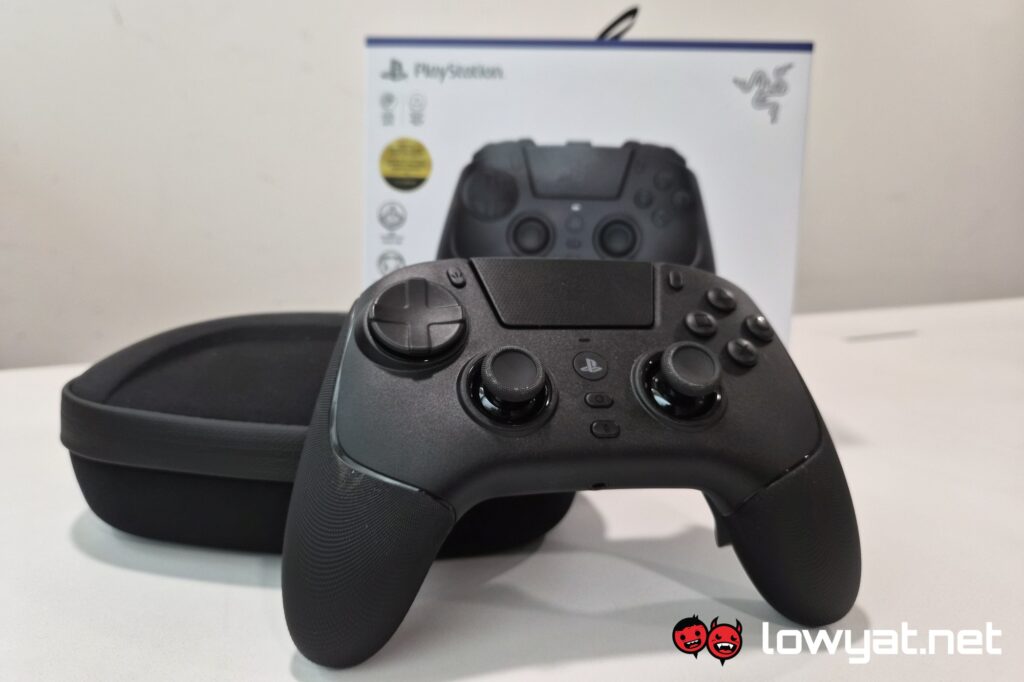
As with the Wolverine, the Raiju has textured rubber grips. You also get a convex stick as an option, as well as a spare concave one. The D-pad is now an 8-way pad, though it can be switched back to a 4-way pad digitally, via the Razer Synapse software. Zooming out, there’s the whole chunky build of the Raiju V3 Pro that makes it very comfortable to hold, and most of the buttons easily accessible. Heavy emphasis on most, but we’ll get to that in a bit.
What’s Good About It?
As mentioned, the chunkiness of the Raiju V3 Pro makes it very comfortable to hold, and easy to access most of the buttons. Considering that Razer intends for this to be an esports controller, this makes sense. It also makes sense that you get the option to remove the rear paddles for those who have no need for it.
On that note, much like the Wolverine, the Raiju has buttons that feel good to press, what with the mix of mechanical and Mecha-Tactile switches for its buttons. Oh, and let’s not forget the 8-way D-pad which you can digitally switch back to 4-way if you find that it’s too sensitive for what you’re used to.
Then there’s the battery life of the thing. Officially, the Razer Raiju V3 Pro is claimed to be able to last for up to 36 hours in a single charge. In my month of using it, I haven’t actually gotten to empty its tank, and ended up plugging it in out of habit. So with that, I’d say it’s probably a fair figure.
Contributing to the battery life of the Raiju V3 Pro is the fact that it uses Tension Magnetic Resistance (TMR) analogue sticks. As the name suggests, magnetism is the cornerstone of the tech, much like Hall Effect sticks. Which means the same drift resistance for longer periods of use. In addition to that, TMR sticks also have the benefit of using less energy.
What’s The Catch?
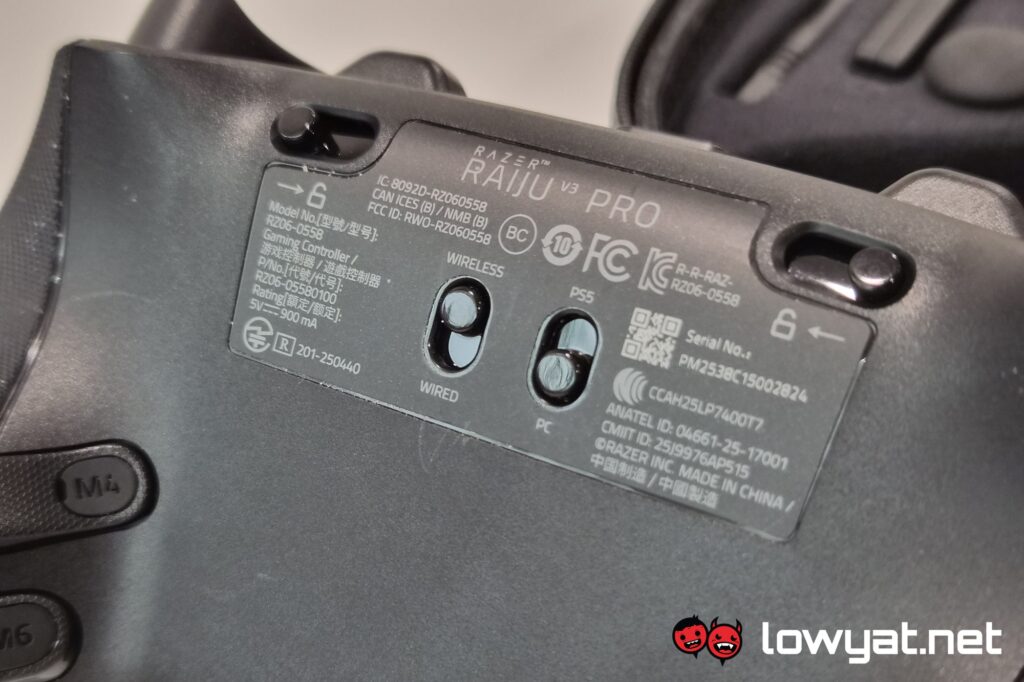
I alluded to earlier that the chunkiness of the Razer Raiju V3 pro makes it comfortable to hold, and its buttons and sticks easy to access. Not so easy though are the Create (Share) and Options buttons, as well as the touch pad. This is simply because, with the elevated D-pad, you’re very liable to hitting one of the directional inputs as you reach for those buttons. Not an issue when connected to a PS5, but definitely one when plugged into a PC, where that button is still recognised as the Select button of old.
On that note, rather than the two halves of the touch pad being recognised as the Create and Options buttons, it is simply recognised as the left mouse click on PC. This is not something that you can change via the Razer Synapse software, nor the Razer Controller app on mobile. Nor on Steam, actually, as for whatever reason it is recognised as an Xbox controller there. Switching to PS5 mode doesn’t solve the issue; instead, it adds a tremendous amount of input lag.
Then there’s the short but important list of features missing from the default DualSense that makes it the next-gen controller. Specifically, the haptics and adaptive triggers. A Razer rep says that these features are not present for two reasons. One is that they can be distracting in a competitive environment, which is fair. The other is that PlayStation has not allowed third-party controller makers to include those features.
Moving onto nitpicky territory, the rear paddles of the Razer Raiju V3 Pro come in the exact same shape as the Wolverine V3 Pro. Only this time, you can remove them. Well, sort of. It’s not as intuitive as on the DualSense Edge that you can just pop them in and out. Here, they are attached via screws, and when removed, you’re supposed to screw in a counterpart that sits flush with the body of the controller. You can still technically press them, intentionally or otherwise. It’s just that they’re not jutting out any more. These, and the screwdriver needed for the process, are fortunately included in the box.
Should I Buy It?
When I compared the Razer Wolverine V3 Pro with the Xbox Elite controller, I presented the former as an alternative rather than a straight upgrade. In hindsight, the differences there are minor compared to the differences between the Raiju V3 Pro and the DualSense Edge. This is a real sidegrade if there ever was one.
On one hand, you get a lot more extra buttons, but otherwise the Raiju gives a more no-nonsense feature set. Which makes sense seeing as Razer is eyeing the competitive crowd anyway. At this point, the TMR analogue sticks are simply the icing on the cake. As is the fact that it’s RM100 cheaper than the DualSense Edge.
But if you still need the immersive elements like haptic feedback and adaptive triggers while also having rear paddles, then you still have no choice beyond the DualSense Edge. Of course, if you can afford it, you can always get both – one for your immersive singleplayer experience and another for your competitive multiplayer needs.
