

7-Eleven Malaysia has recently introduced a print-on-demand service. Dubbed Print@7E, the service allows customers to upload and have their documents printed at a 7-Eleven outlet. This service is available 24/7, offering a convenient way for customers to print documents at any time.
To get started, the user must first head over to the dedicated portal and provide their email address. A One-Time Password (OTP) will be sent to the email, allowing the user to access the service. From there, the user can upload the documents to be printed. As outlined on the website, there is no limit to the number of files, but the maximum file size is 50MB. Other than that, customers can print up to 25 pages per transaction.
After selecting the documents, the user can check the pricing and proceed to checkout. Speaking of which, it costs RM1 to print up to three pages. Meanwhile, printing more than that will set you back 30 cents per page. Regardless, customers can pay online via card or other methods like QR and eWallet. Cash payments are also accepted.
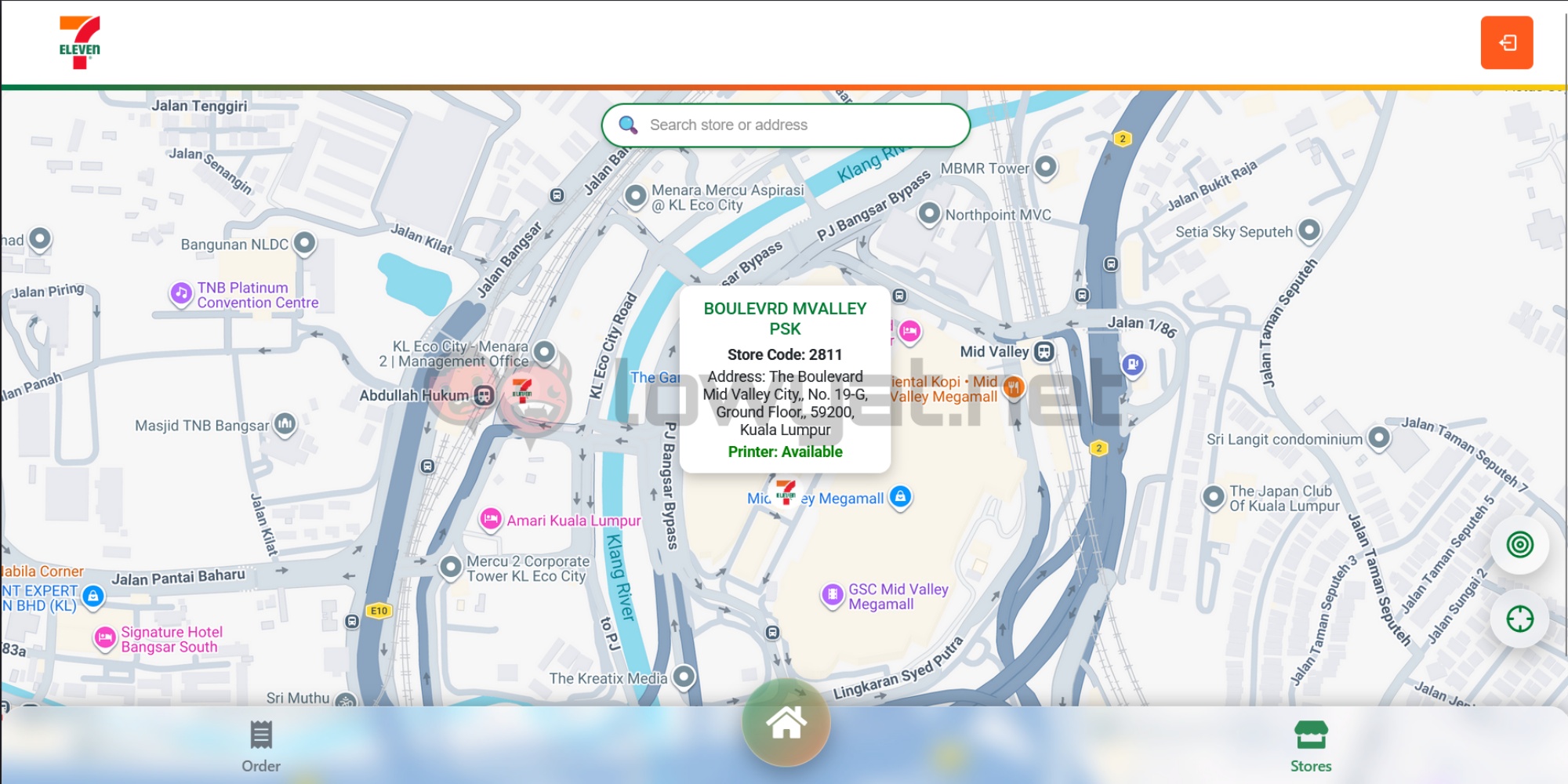
Once the customer has completed the order, a QR code will be generated. The customer can then head over to an eligible 7-Eleven outlet to print out the document. It is worth noting that not all locations offer this service, so you must check beforehand. The portal also includes a search function, allowing customers to find stores with a printer.
 According to 7-Eleven, the QR code will only be active for 24 hours, so customers must print their documents within that time frame. Once the period has lapsed, the uploaded file will be deleted regardless of whether the transaction has been completed.
(Source: 7-Eleven Malaysia via Facebook)
