
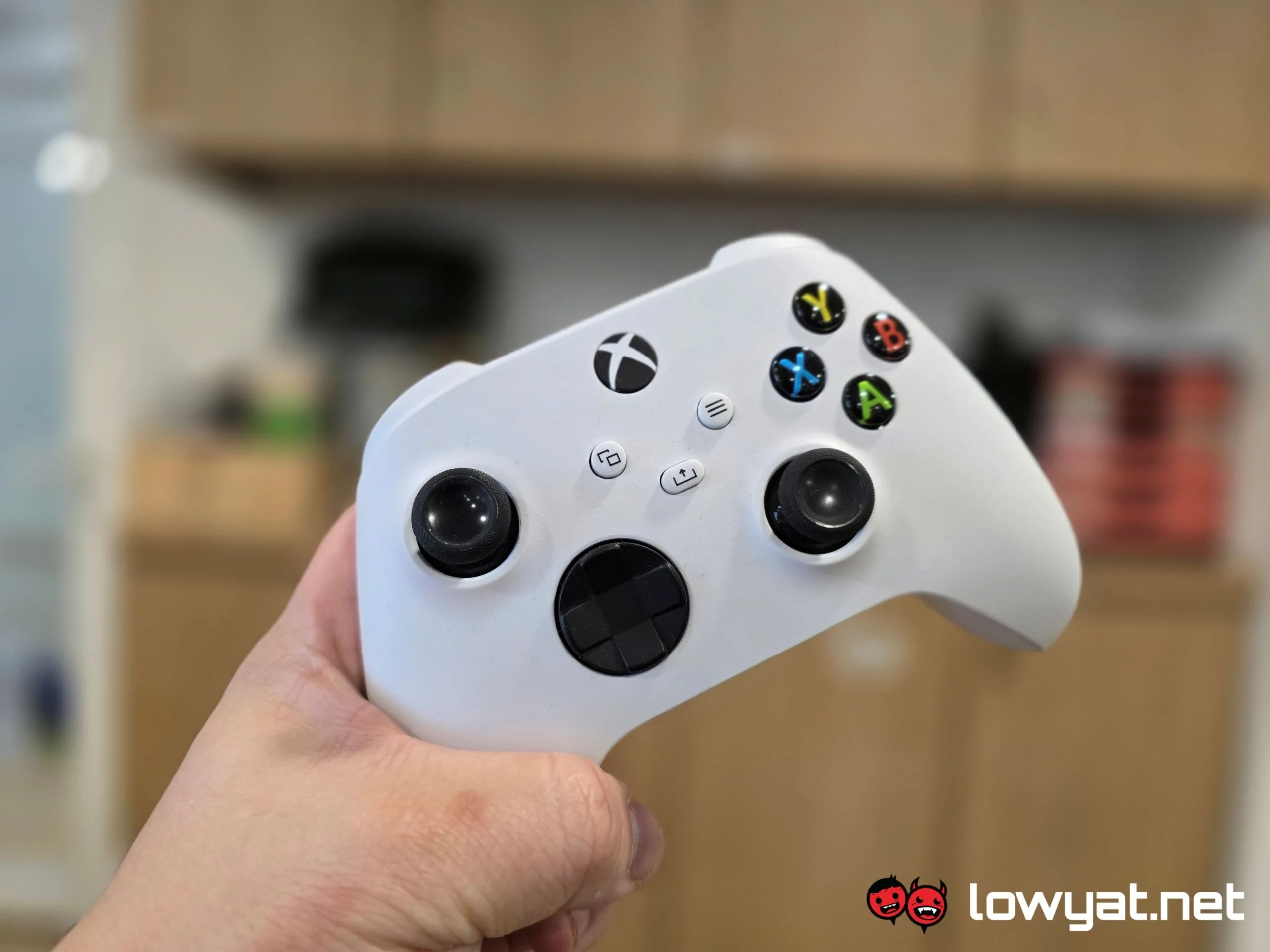
Those who game using an analogue controller are probably no strangers to stick drift. While typically an issue plaguing older equipment, there have been instances of sticks drifting after just days of use. Usually, this is a problem that requires some hardware tweaks. But for those hoping to avoid resorting to such measures, a controller repair specialist may have a solution.
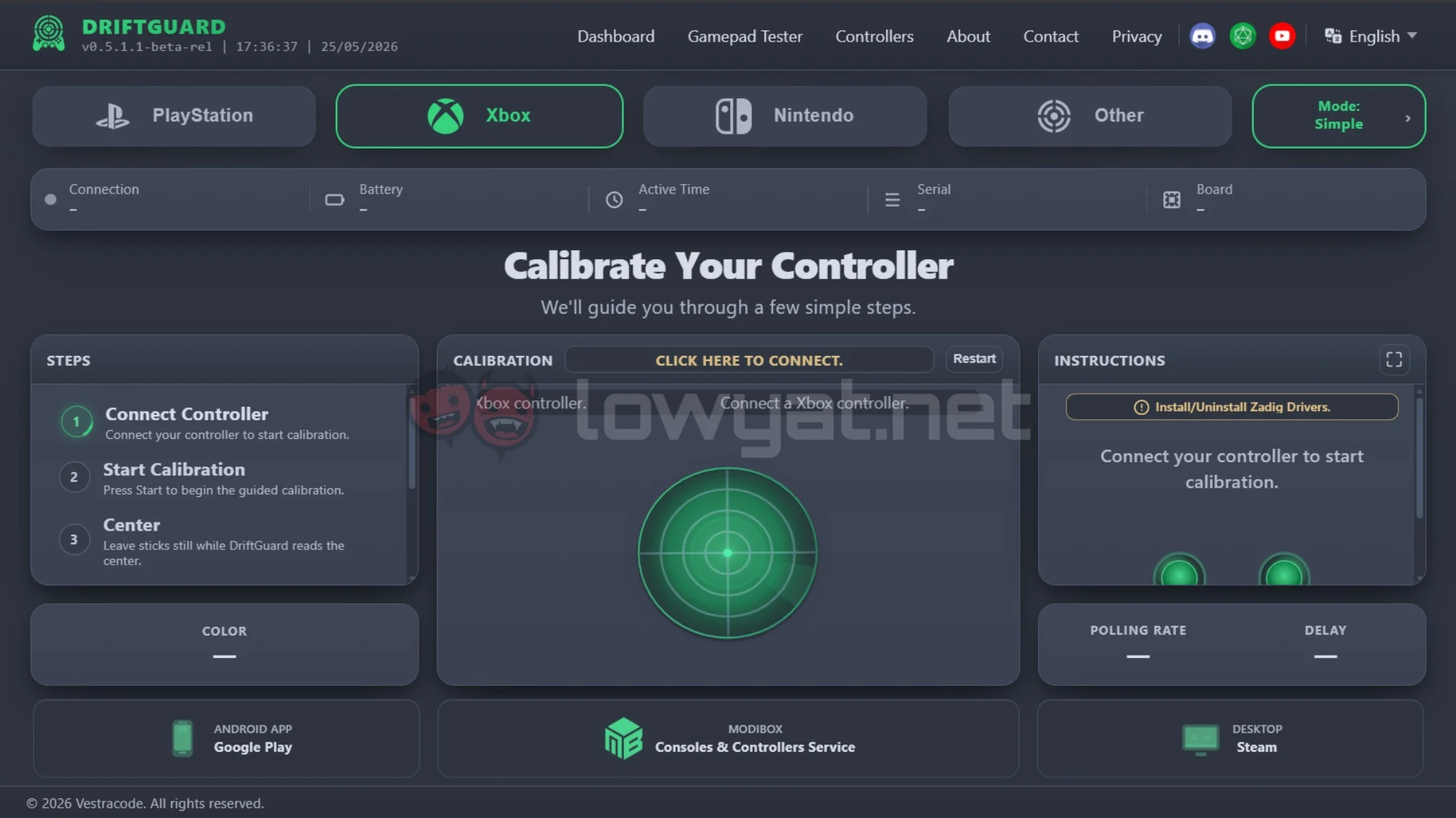
In an X post, @Modyfikator89 revealed a new way to calibrate an Xbox controller with stick drift. This method relies on DriftGuard, a calibration tool. Initially launched on Steam in 2024, DriftGuard mainly offered diagnostics and basic calibration, with little effect on stick drift. Now, an update enables the tool to write joystick calibration data directly to controller memory.
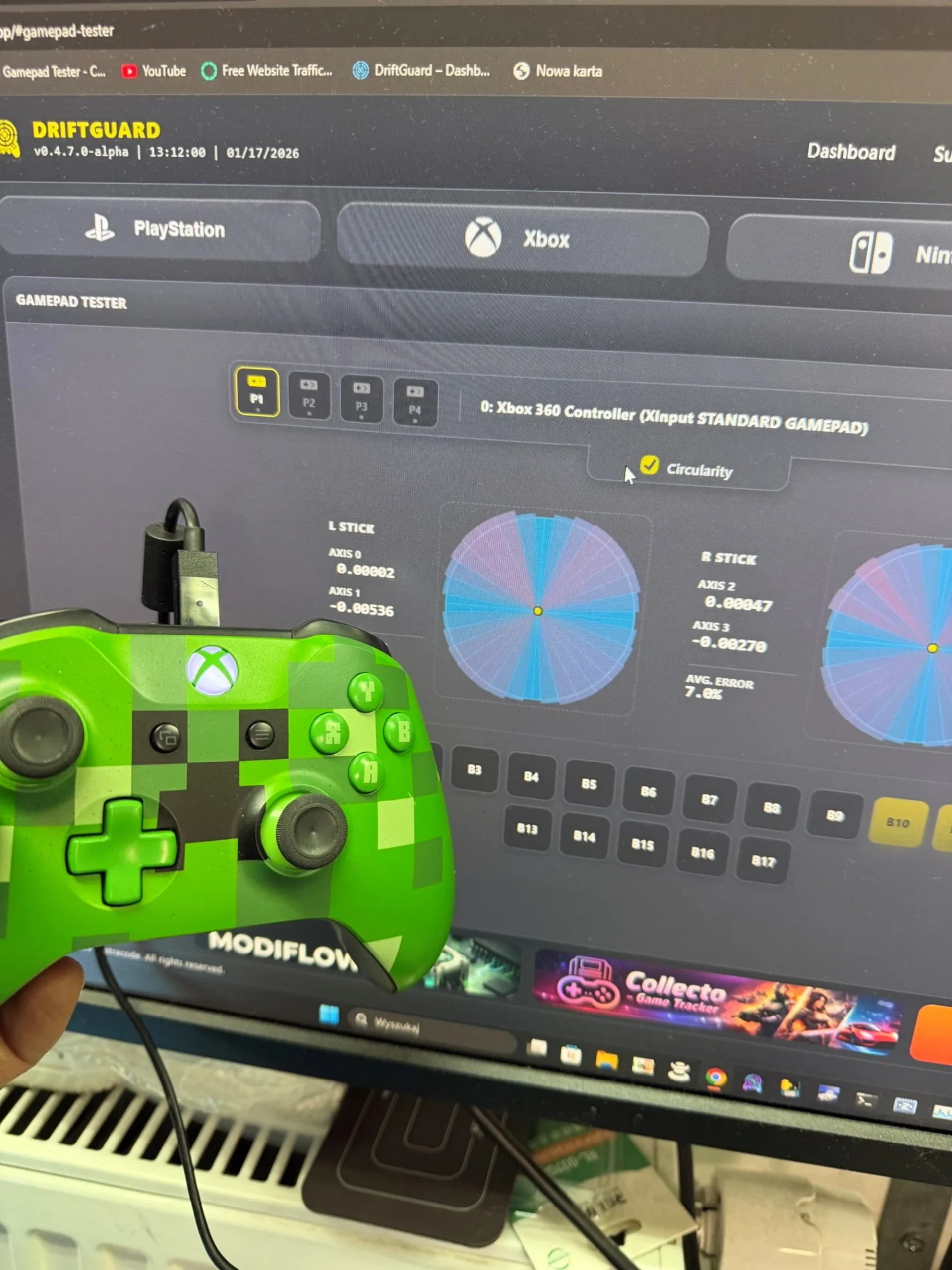
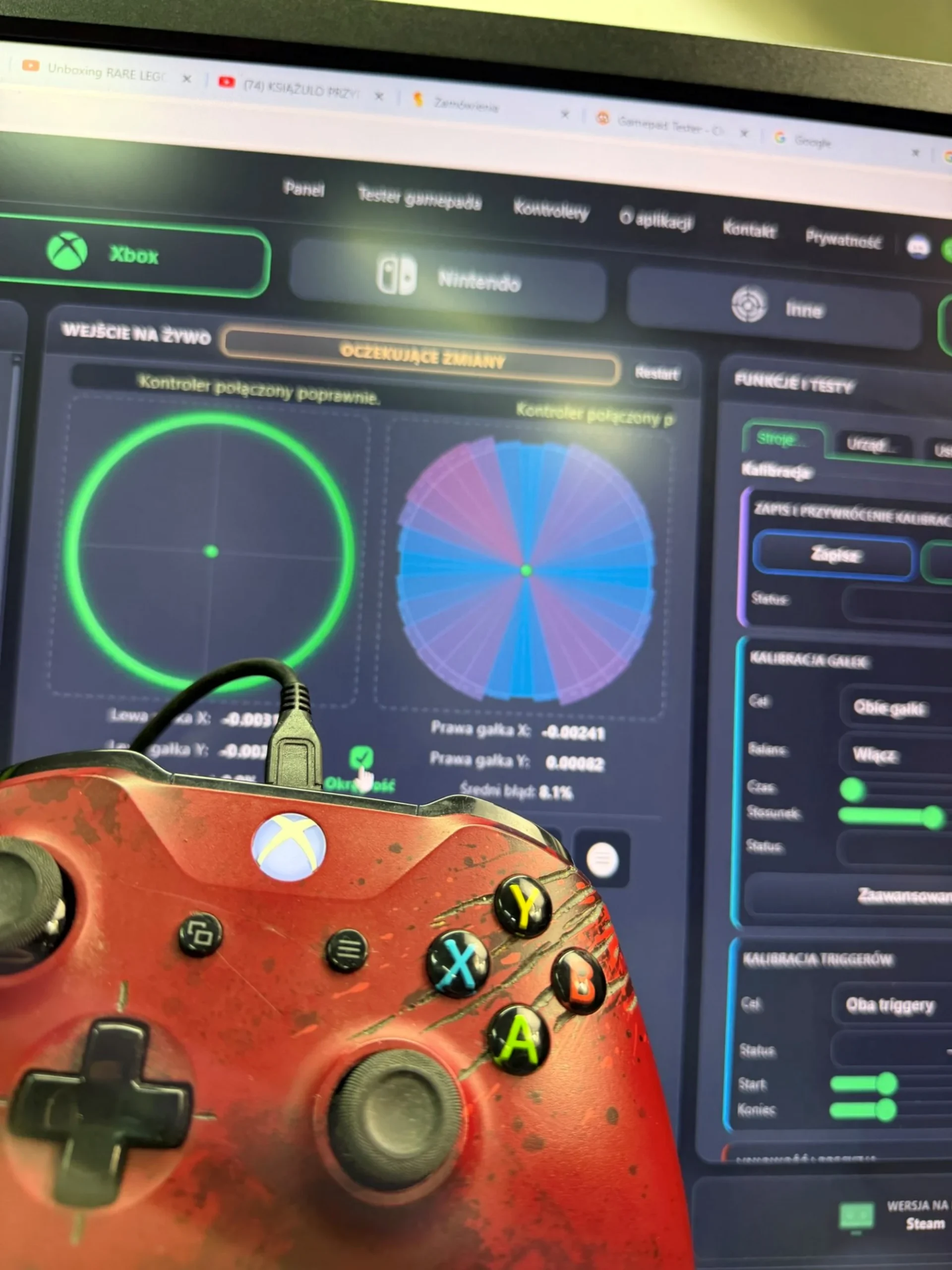
Touted as a “historic breakthrough”, the tool supports both manual and automatic calibration. According to @Modyfikator89, this fix is unpatchable and permanent, as it is written directly to the controller’s internal memory. Furthermore, it supports all Xbox controllers, including Xbox 360, Xbox One Standard, Xbox One S, Xbox One X, Xbox Series X/S, Xbox Elite V1/V2, and the SCUF Instinct Pro controllers.
Although DriftGuard also works with PlayStation DualSense and Nintendo controllers, the new and improved calibration has only been tested on Xbox controllers. In any case, those looking to give it a shot can either get the Steam version or head over to the DriftGuard website.
 It is worth noting that this won’t necessarily resolve all issues. Stick drift is a complicated conundrum to figure out to begin with, and calibration tools can only help in certain contexts. For instance, if the stick is only slightly off-centre, a new neutral position can be assigned. However, calibration cannot help with damaged sensors. Additionally, stick drift can be the result of dust, weakened or worn out components, as well as physical damage.
(Source: @Modyfikator89 via X)
The post DriftGuard Update Offers Fix For Stick Drift In Xbox Controllers appeared first on Lowyat.NET.
