
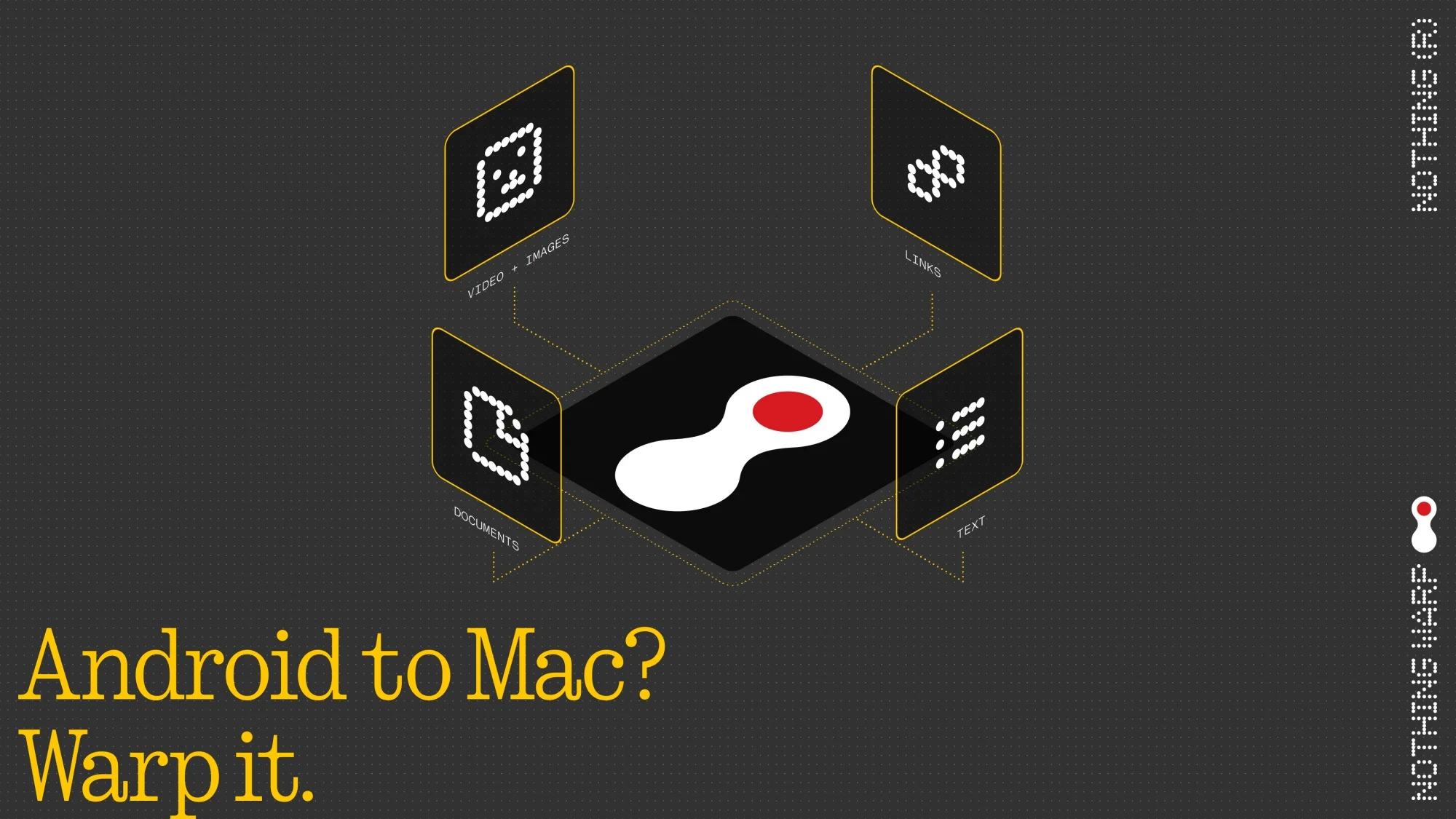
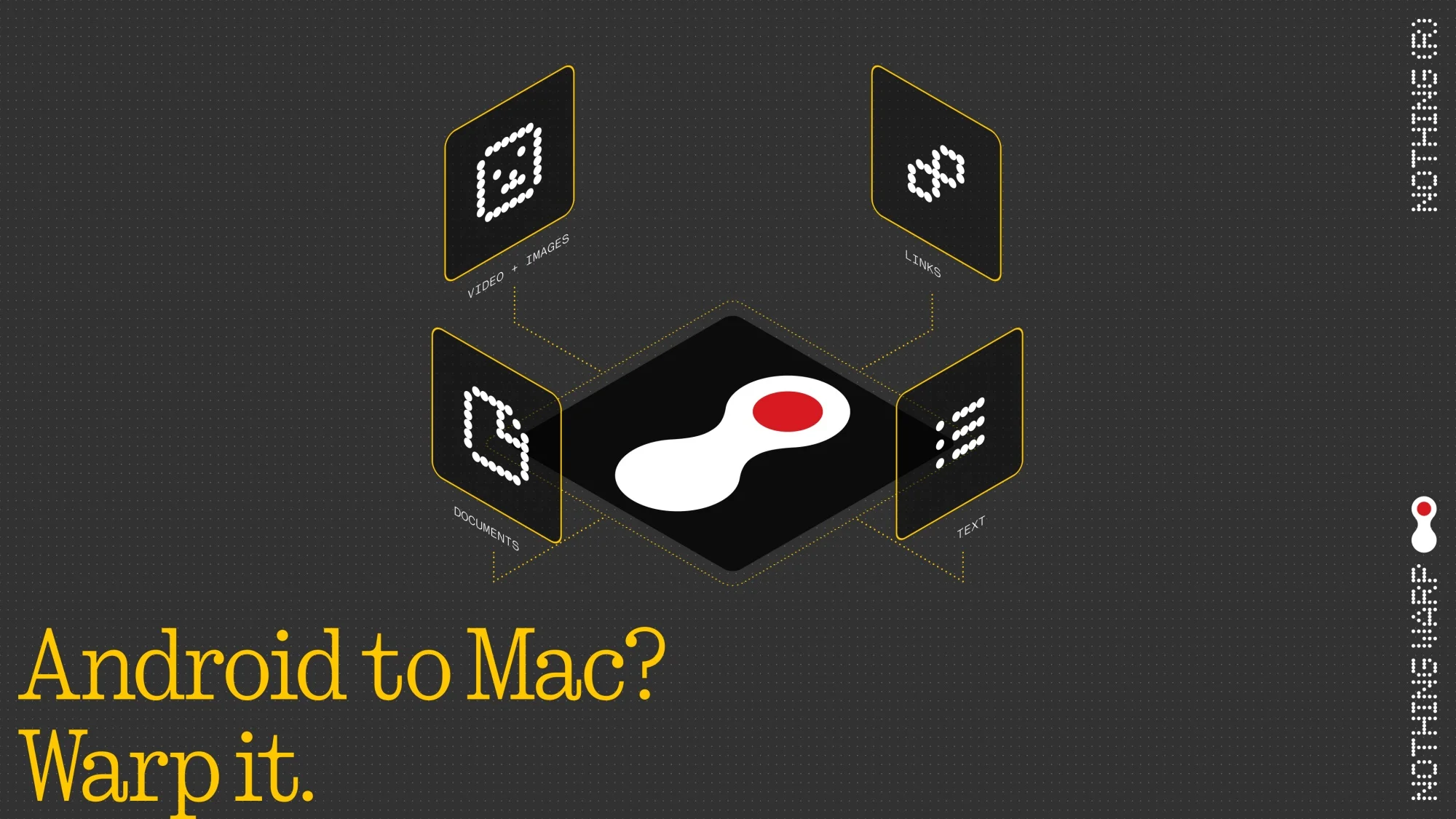
For years, many still view file transfers between phones and computers as a hassle, especially when moving files from Android devices to macOS machines. Google and OPPO have already tried to address this issue with their own solutions, but most users still rely on cloud storage or messaging apps to get the job done. Now, Nothing is releasing a new app to address the problem.
The company calls the app Nothing Warp and claims it can make file transfers a little less painful. However, what makes this system seemingly different from the rest is that it allows users to transfer files between Android devices and computers running macOS, Windows, or Linux, with the help of a browser extension.
The company says the system eliminates the need to rely on email or messaging apps for file transfers and can complete transfers in a matter of seconds in both directions. On the mobile side, users will still need to download the app via the Google Play Store, after which it integrates directly into the Android share menu.
On the desktop side, users need to install a browser extension for Chromium-based browsers via the Chrome Web Store. As mentioned earlier, this extension works regardless of whether it’s a macOS, Windows, or Linux machine. Once users link both devices to the same Google account, they can initiate transfers fairly easily, or so the company says.
Of course, privacy remains a concern when it comes to file transfers. To address this, the company says the system routes files through your Google Drive, emphasising that it does not store or access your data.
Though the company says Warp is already available, we could not find the app on the Google Play Store or the Chrome Web Store at the time of writing. This suggests that Nothing is rolling it out gradually and that it may arrive in Malaysia at a later date.
(Source: Nothing Press release)
The post Nothing Unveils Warp For Android And PC File Transfers; Works On macOS, Windows, Linux appeared first on Lowyat.NET.
